🎬
[Unreal Engine 5] アニメーションの合成と切り替え


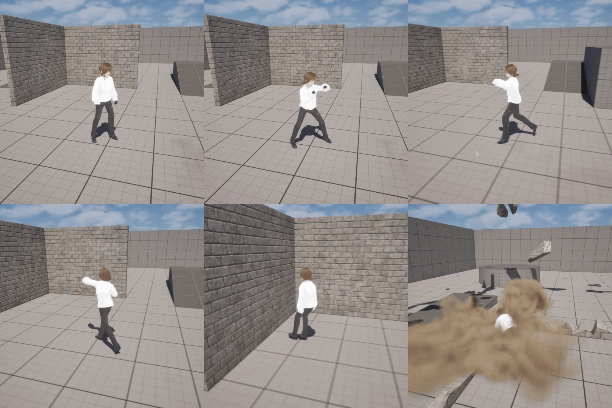
やりたいこと
- 移動中、上半身では攻撃アニメーション、下半身では歩行アニメーションを再生する
- 歩いていないときは全身で攻撃アニメーションを再生する
- 必殺技みたいなものを出すときは Root Motion を使用して全身でアニメーションを再生する
1 と 2 に関しては 参考にしたページ の解説が詳しい。
アニメーションの準備
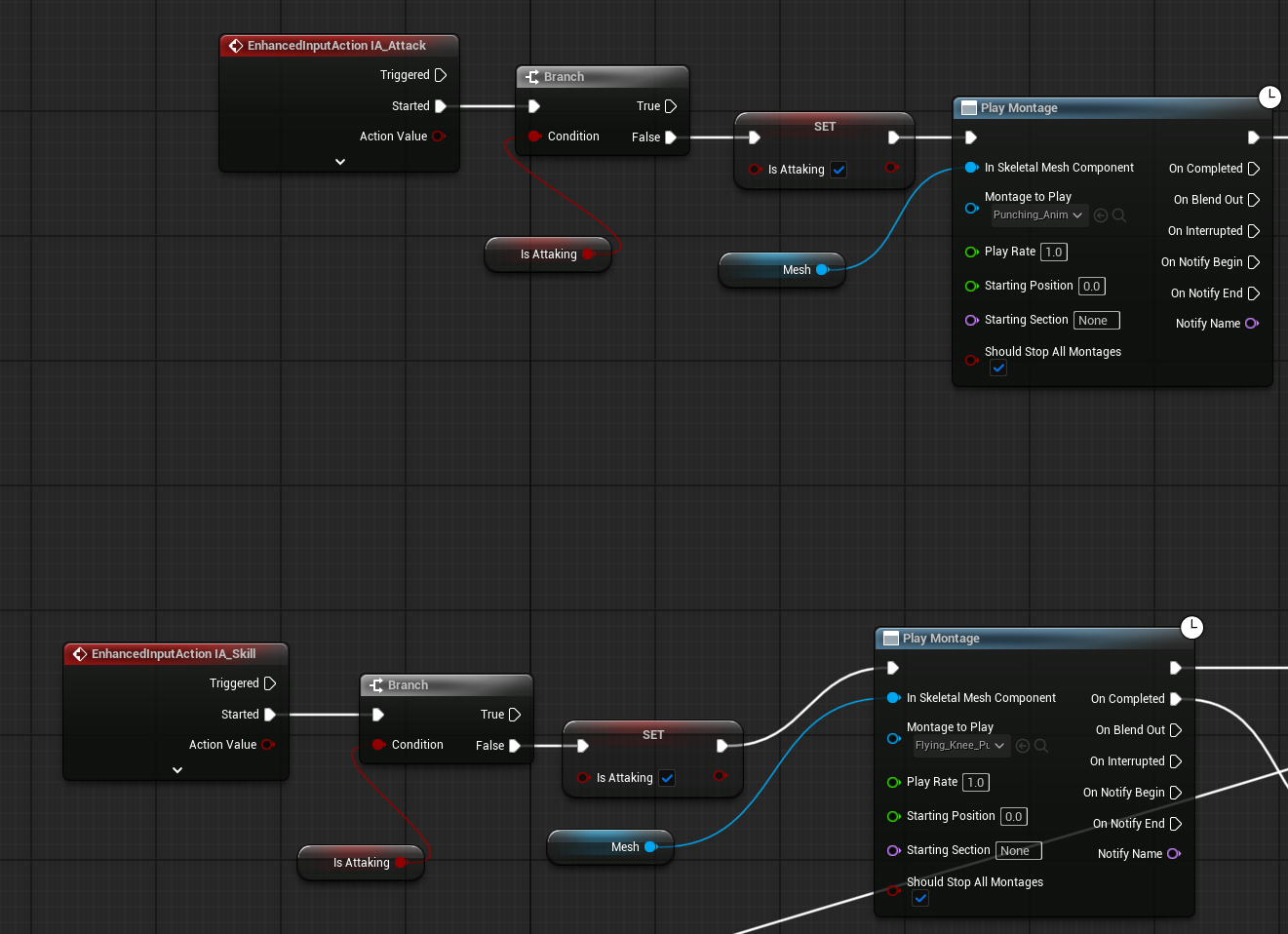
アニメーションの準備やコントローラーの設定は 殴って吹き飛ばす を参照。
今回は「移動しながら発動できる通常攻撃」として Punching、「専用の全身アニメーションがある必殺技」として Flying Knee Punch Combo を Mixamo からインポートした。
Punching は Root Motion = False、Flying Knee Punch Combo は Root Motion = True とする。
Root Motion を使用しているかどうかの判定
- ABP_Manny または Retarget して作成した ABP を開く
- 「+」ボタンを押して Boolean の変数を追加する。今回は IsPlayingRootMotion とした。
- EventGraph を開き、
Is Playing Anim Root Motionの戻り値を変数にセットする。


AnimGraph の中で Get Character → Is Playing Anim Root Motion と接続して値を取得することも可能だが、スレッドセーフではないと警告が出る。
EventGraph で取得した方が無難。
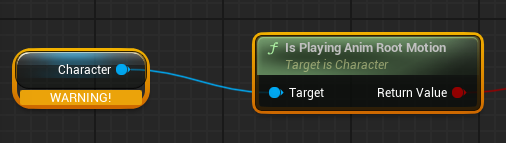
Node Blend Poses by bool uses potentially thread-unsafe call Get Character . Disable threaded update or use a thread-safe call. Function may need BlueprintThreadSafe metadata adding.
Animation の合成

-
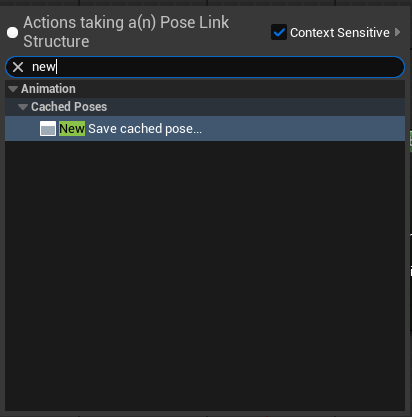
Main Statesを複数ノードの入力で使用するためNew Save cached poseとUse cached poseを使う。今回はbasic motionという名前でキャッシュした。 -
Layered blend per boneでアニメーションを合成する-
Base Poseにbasic motionを入力する -
Blend PoseにDefault Slotを入力する-
Default Slotにbasic motionを入力する
-
-
Layered blend per boneを選択する-
Layer Setup→Branch Filtersの 「+」ボタンを押す -
Bone Nameに上半身の付け根に当たるボーンを指定する。今回はJ_Bip_C_Sineを指定 - (合成するアニメーションによる)
Blend Depthを 3 に設定する - (合成するアニメーションによる)
Mesh Spece Rotation BlendをTrueに設定する
-
-
ここまでで「やりたいこと」の 1 は完了。


-
Blend Poses by boolでアニメーションを合成する-
True PoseにLayered blend per boneを入力する -
False PoseにDefault Slotを入力する-
Default Slotにbasic motionを入力する
-
-
Active Valueに条件を入力する- 以下の AND 条件
-
Velocity > 0.0(= Character が移動している) -
Is Playing Root Motion = False(Root Motion の再生中ではない)
-
- 以下の AND 条件
-
これで「やりたいこと」の 2 と 3 が完了。
参考にしたページ
Discussion