TanStack Router file-based routing 触ってみる
 nbstsh
いつの間にか TanStack Router が file-based routing を導入してて、かつ、file-based routing を推しているので、触ってみる。
nbstshなぜ file-based routing が推されている?
Something you'll notice (quite soon) in the Tanstack Router documentation is that we push for file-based routing as the preferred method for defining your routes. This is because we've found that file-based routing is the most scalable and maintainable way to define your routes.
scalable and maintainable だから file-based routing を推しているとのこと。
具体的な内容読み進める。
nbstsh
理由1. code-based routing は getParentRoute がめんどい
code-based routing だと、nest した route を作成する際に以下のように、getParentRoute に親の route を指定する必要がある。
import { createRoute } from '@tanstack/react-router';
import { postsRoute } from './postsRoute';

export const postsIndexRoute = createRoute({
  getParentRoute: () => postsRoute,
  path: '/',
})
TypeScript が route の型を把握するために必要なのだが、正直、毎回これを書くのはめんどい。
nbstsh理由2: code-based routing は code-splitting がめんどい
code-based routing で code-splitting をする場合は、毎回以下のようなコードを書く必要があり、めんどい。
import {
  createRoute,
  lazyRouteComponent
} from '@tanstack/react-router';
import { postsRoute } from './postsRoute';

export const postsIndexRoute = createRoute({
  getParentRoute: () => postsRoute,
  path: '/',
  component: lazyRouteComponent(
    () => import('../page-components/posts/index')
  )
})
どちらも file-based routing が解決してくれる
- Route configuration boilerplate: It generates the boilerplate for your route configurations.
- Route tree stitching: It stitches together your route configurations into a single cohesive route-tree. Also in the background, it correctly updates the route configurations to define the getParentRoute function match the routes with their parent routes.
- Code-splitting: It automatically code-splits your components and handles updating your route configurations with the correct lazy imports.
code-based routing が併せ持つ以下2点を file-based routing では解決できる。
- 理由1. code-based routing は getParentRoute がめんどい
- 理由2: code-based routing は code-splitting がめんどい
file-based routing では以下のように route を定義して cli を実行する形なる。
// src/routes/posts/index.lazy.ts
import { createLazyFileRoute } from '@tanstack/react-router';

export const Route = createLazyFileRoute('/posts/')({
  component: () => "Posts index component goes here!!!"
})
No need to worry about defining the getParentRoute function, stitching together the route-tree, or code-splitting your components. The CLI handles all of this for you.
-
getParentRouteを定義する必要なし。cli が よしなにやってくれる。 -
*.lazy.tsでcreateLazyFileRouteを使えば勝手に code-splitting してくれる。
nbstsh実際に触ってみる
nbstshInit vite project
とりあえず、vite + React の project 作る
npm create vite@latest

nbstshInstall Tansatck Router
npm install @tanstack/react-router
Install Vite plugin
Tanstack Router で file-based routing をするための vite plugin を install する。
npm install --save-dev @tanstack/router-vite-plugin
Update Vite Configuration
vite.config.ts を更新し、@tanstack/router-vite-plugin を設定する。
import { TanStackRouterVite } from '@tanstack/router-vite-plugin';
import react from '@vitejs/plugin-react';
import { defineConfig } from 'vite';

// https://vitejs.dev/config/
export default defineConfig({
  plugins: [react(), TanStackRouterVite()],
});
dev server 起動してみる
With the plugin enabled, Vite will now watch your configured routesDirectory and generate your route tree whenever a file is added, removed, or changed.
vite がよしなに "router tree" を生成してくれるらしいので、vite 実行する。
npm run dev
エラー出た。
♻️  Generating routes...
[Error: ENOENT: no such file or directory, scandir...
routesDirectory を watch してくれるが、現状 routesDirectory がないからエラーになっているっぽい。
てか、
Vite will now watch your configured routesDirectory
"configured routesDirectory" ってどこだ...? まだ何も設定してぞ。
tanstack router vite plugin のデフォルト設定がある感じか...?
nbstshdefault configuration
default の configuration はこちら↓
{
  "routesDirectory": "./src/routes",
  "generatedRouteTree": "./src/routeTree.gen.ts",
  "routeFileIgnorePrefix": "-",
  "quoteStyle": "single"
}
"routesDirectory" は ./src/routes だな。
nbstshroutes を作る
Quick Start のコードを参考に routes を作ってみる。
src/routes/__root.tsx を以下の内容で作成。
一旦 dev tools はコメントアウトしとく。
import { createRootRoute, Link, Outlet } from '@tanstack/react-router'
//import { TanStackRouterDevtools } from '@tanstack/router-devtools'

export const Route = createRootRoute({
  component: () => (
    <>
      <div className="p-2 flex gap-2">
        <Link to="/" className="[&.active]:font-bold">
          Home
        </Link>{' '}
        <Link to="/about" className="[&.active]:font-bold">
          About
        </Link>
      </div>
      <hr />
      <Outlet />
      {/* <TanStackRouterDevtools /> */}
    </>
  ),
})
dev server 実行
npm run dev
file が生成される
♻️  Generating routes...
✅ Processed routes in 226ms
src/routeTree.gen.ts が生成された。
/* prettier-ignore-start */

/* eslint-disable */

// @ts-nocheck

// noinspection JSUnusedGlobalSymbols

// This file is auto-generated by TanStack Router

// Import Routes

import { Route as rootRoute } from './routes/__root'

// Create/Update Routes

// Populate the FileRoutesByPath interface

declare module '@tanstack/react-router' {
  interface FileRoutesByPath {}
}

// Create and export the route tree

export const routeTree = rootRoute.addChildren([])

/* prettier-ignore-end */
見た感じ空の routeTree ができてる。
nbstshrouter を App に追加
src/App.tsx で自動生成された routeTree を元に createRouter で router を作成。
作成した router を RouterProvider に渡す。
import { RouterProvider, createRouter } from '@tanstack/react-router';
import './App.css';
import { routeTree } from './routeTree.gen';

const router = createRouter({ routeTree: routeTree });

declare module '@tanstack/react-router' {
  interface Register {
    router: typeof router;
  }
}

function App() {
  return <RouterProvider router={router} />;
}

export default App;
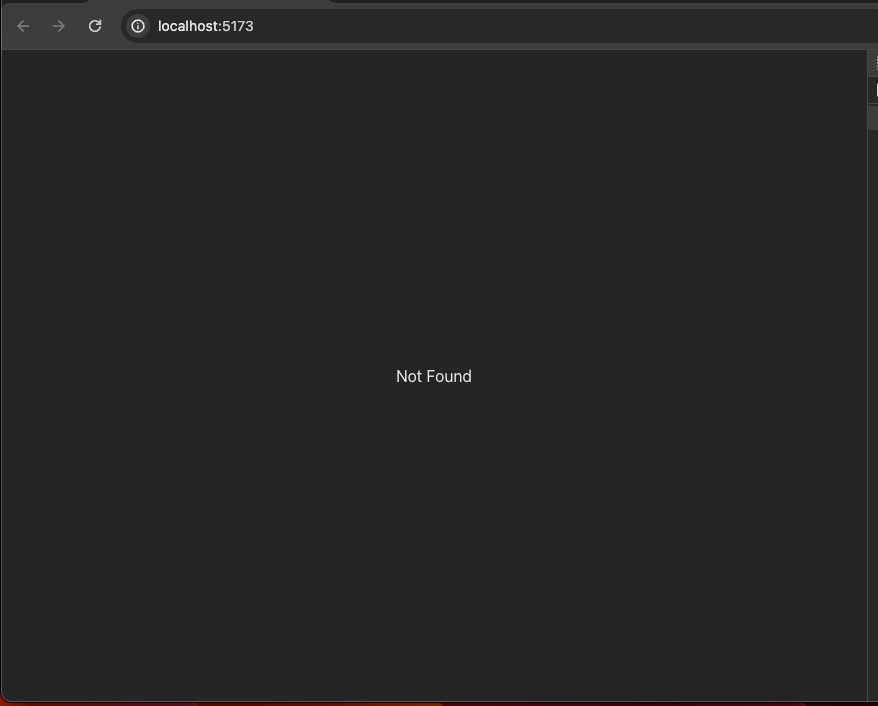
"Not Found" と表示される↓
nbstshIndex page を作成
import { createLazyFileRoute } from '@tanstack/react-router';

export const Route = createLazyFileRoute('/')({
  component: Index,
});

function Index() {
  return (
    <div className='p-2'>
      <h3>Welcome Home!</h3>
    </div>
  );
}
保存すると、自動的に page が router に追加されてる!

自動生成されたコード
/* prettier-ignore-start */

/* eslint-disable */

// @ts-nocheck

// noinspection JSUnusedGlobalSymbols

// This file is auto-generated by TanStack Router

import { createFileRoute } from '@tanstack/react-router'

// Import Routes

import { Route as rootRoute } from './routes/__root'

// Create Virtual Routes

const IndexLazyImport = createFileRoute('/')()

// Create/Update Routes

const IndexLazyRoute = IndexLazyImport.update({
  path: '/',
  getParentRoute: () => rootRoute,
} as any).lazy(() => import('./routes/index.lazy').then((d) => d.Route))

// Populate the FileRoutesByPath interface

declare module '@tanstack/react-router' {
  interface FileRoutesByPath {
    '/': {
      preLoaderRoute: typeof IndexLazyImport
      parentRoute: typeof rootRoute
    }
  }
}

// Create and export the route tree

export const routeTree = rootRoute.addChildren([IndexLazyRoute])

/* prettier-ignore-end */
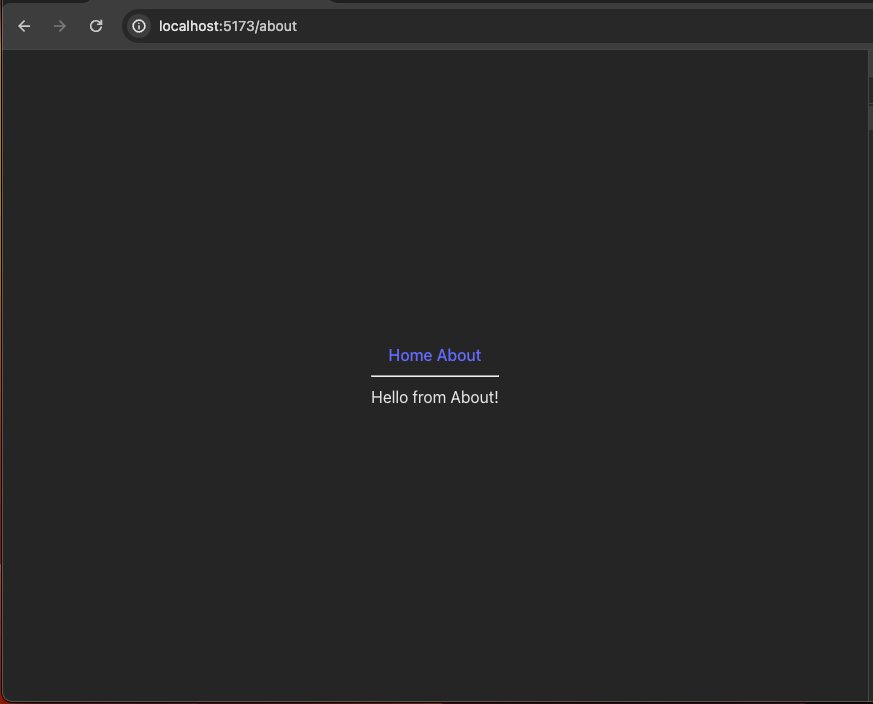
about page を作成
import { createLazyFileRoute } from '@tanstack/react-router';

export const Route = createLazyFileRoute('/about')({
  component: About,
})

function About() {
  return <div className="p-2">Hello from About!</div>
}
nbstsh所感
基本的な router のセットアップと page の追加のフローは理解した。
開発体験はだいぶ良い。code-based と比較してコードの記述量が圧倒的に少ないのが良い。
細かいとこは公式 Doc 読み進めていく。
nbstshvite 以外で file-based routing を利用する場合
vite 以外の環境で、@tanstack/router-vite-plugin が利用できない場合は、@tanstack/router-cli をつかえばOK。
Install
npm install --save-dev @tanstack/router-cli
package.json にコマンド追加
tsr コマンドを実行する package.json script を用意。
-
tsr generate:routeTree.gen.tsを自動生成 -
tsr watch: file system を watch して保存のたびに、routeTree.gen.tsを自動生成
  "scripts": {
    //...
    "tsr:generate": "tsr generate",
    "tsr:watch": "tsr watch"
    //...
コマンド実行
npm run tsr:watch
routes directory 内で file-based routing から除外したい directory について
- prefix をつけると file-based routing から除外できる。
これは、Tanstack Router Cli の "routeFileIgnorePrefix" configuration のデフォルト値。別の値を利用したい場合は、project root に tsr.config.json を作成して routeFileIgnorePrefix の値を更新すれば良い。
{
  "routesDirectory": "./src/routes",
  "generatedRouteTree": "./src/routeTree.gen.ts",
  "routeFileIgnorePrefix": "-",
  "quoteStyle": "single"
}