Closed3
M1MacBookProでstable diffusion web ui
 み
みstable diffusion webuiをAppleSiliconで動かす
ref: https://github.com/AUTOMATIC1111/stable-diffusion-webui/wiki/Installation-on-Apple-Silicon
み$ brew install cmake protobuf rust python@3.10 git wget
$ git clone https://github.com/AUTOMATIC1111/stable-diffusion-webui
手元に何もmodelがないので、 Downloading Stable Diffusion Modelsに従ってダウンロードしてくる
Stable DIffusion 1.4 (sd-v1-4.ckpt)
Stable Diffusion 1.5 (v1-5-pruned-emaonly.ckpt)
Stable Diffusion 1.5 Inpainting (sd-v1-5-inpainting.ckpt)
おすすめmodelは全て "creativeml-openrail-ml" ライセンスなので商用利用は可能そう(倫理的な範囲内で)
→ライセンス詳細は各自要確認
試しに、 stable-diffusion-webui/models/Stable-diffusion 配下に Stable DIffusion 1.4 を持ってくる
(サイズが4GBほど 👀)
下記で起動
$ cd stable-diffusion-webui
$ ./webui
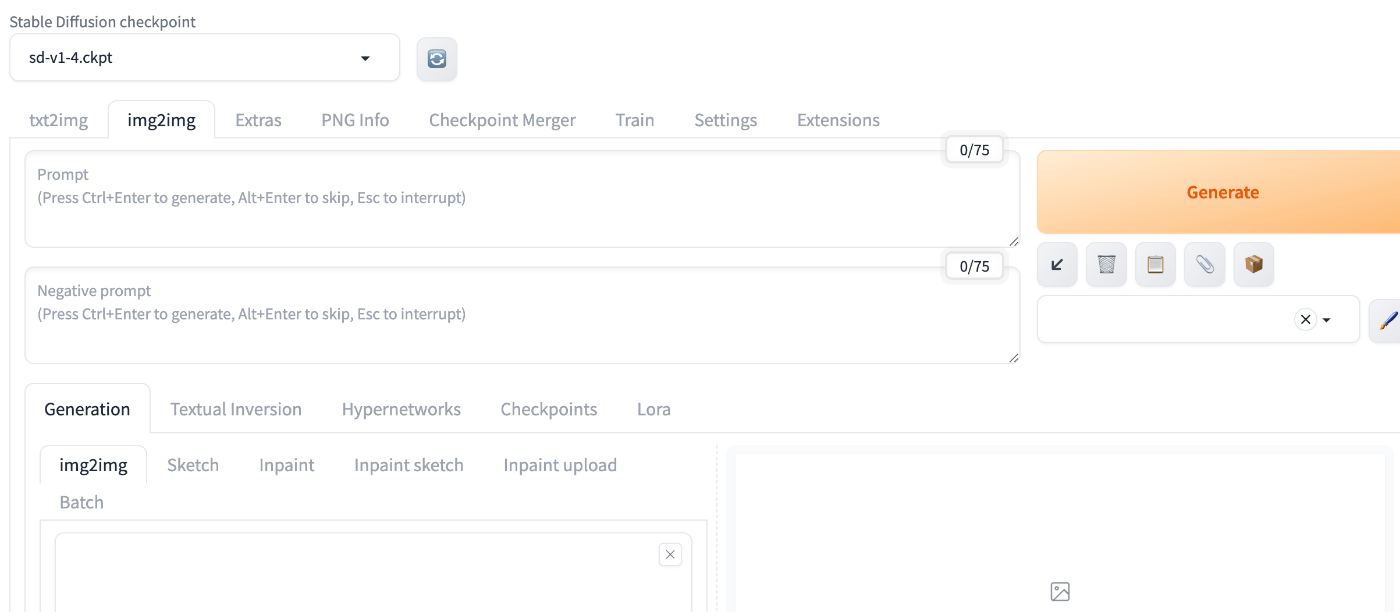
ブラウザ立ち上がってめでたしめでたし
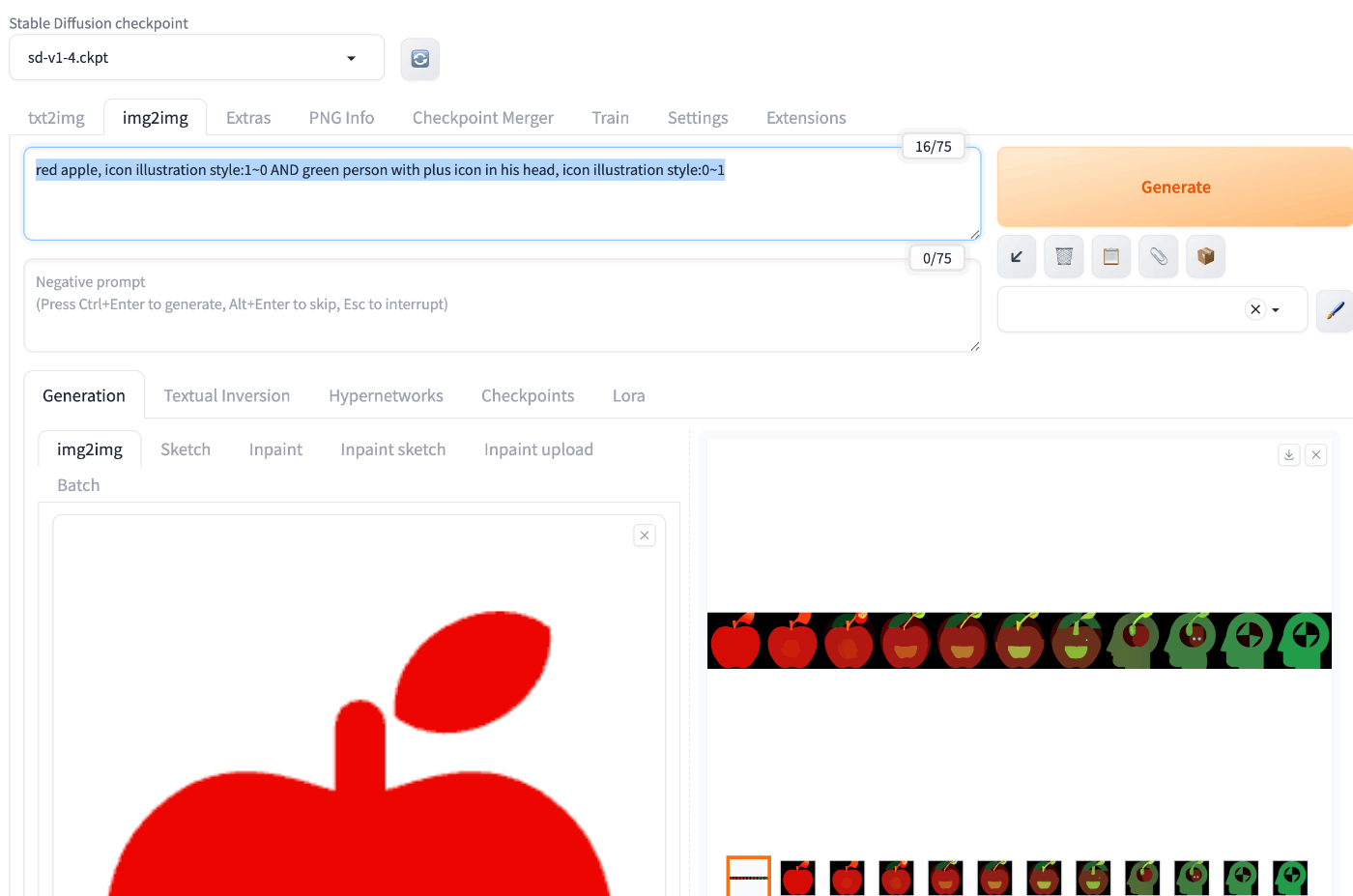
みhttps://gigazine.net/news/20221103-stable-diffusion-img2img-interpolate/ を参考にinterpolateを導入する
https://github.com/DiceOwl/StableDiffusionStuff inetpolate.py をscriptsフォルダ配下に設置する
webuiを再起動する
-
img2imgを選択する - Prompt:
red apple, icon illustration style:1~0 AND green person with plus icon in his head, icon illustration style:0~1 - Script:
interpolate - interpolation value:
0-1[11]

このスクラップは2024/07/15にクローズされました