iTranslated by AI
Using Teleplot for Serial Plotter-like Functionality in PlatformIO




1. Overview
Exactly as the title suggests. In the Arduino IDE, there was a Serial Plotter feature that visualizes serial monitor values as a time-series graph. Since I couldn't find a similar feature in PlatformIO, I decided to look into it.
2. Environment
- MacBook Pro (16-inch, 2019) / macOS Big Sur
- VSCode 1.82.2
- PlatformIO
3. Teleplot seems to be the way to go
I found the following post on the forum.
The repository mentioned in the post has been merged into the main repository, so install the following extension in VSCode:
On the program side, output serial data in the format following the sample (>varName:1234\n).
  // Plot a sinus
  Serial.print(">sin:");
  Serial.println(sin(i));
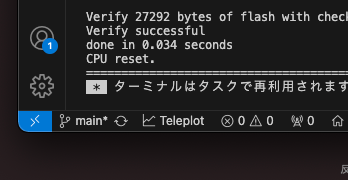
After installation, an icon will appear in the bottom left; click it.
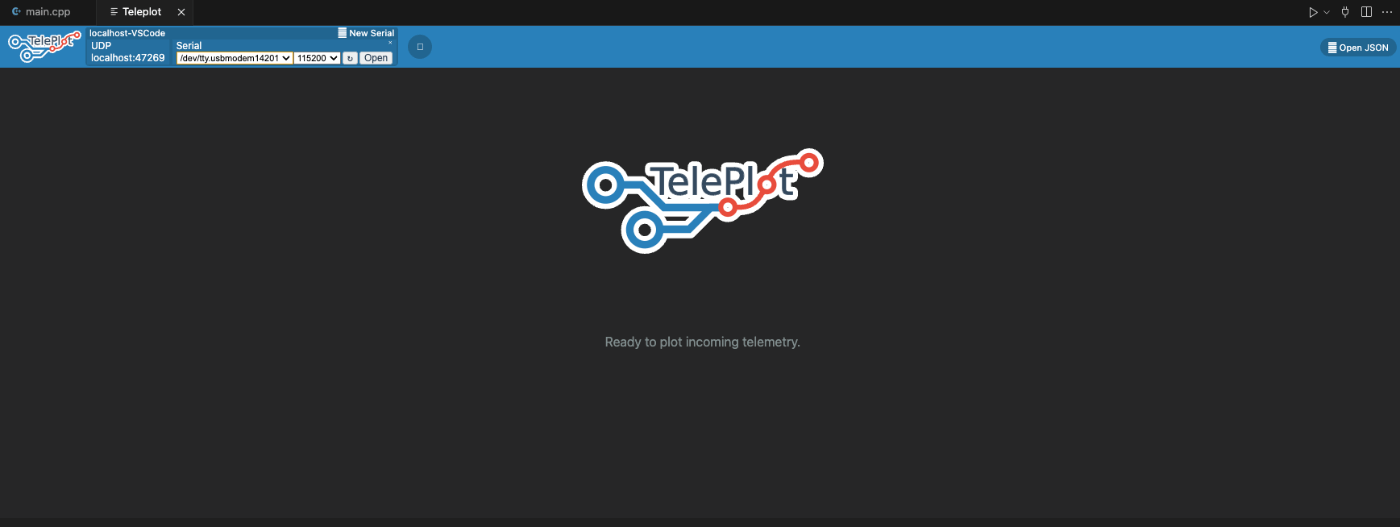
The Teleplot window will open. Select the serial port and baud rate, then press "Open".
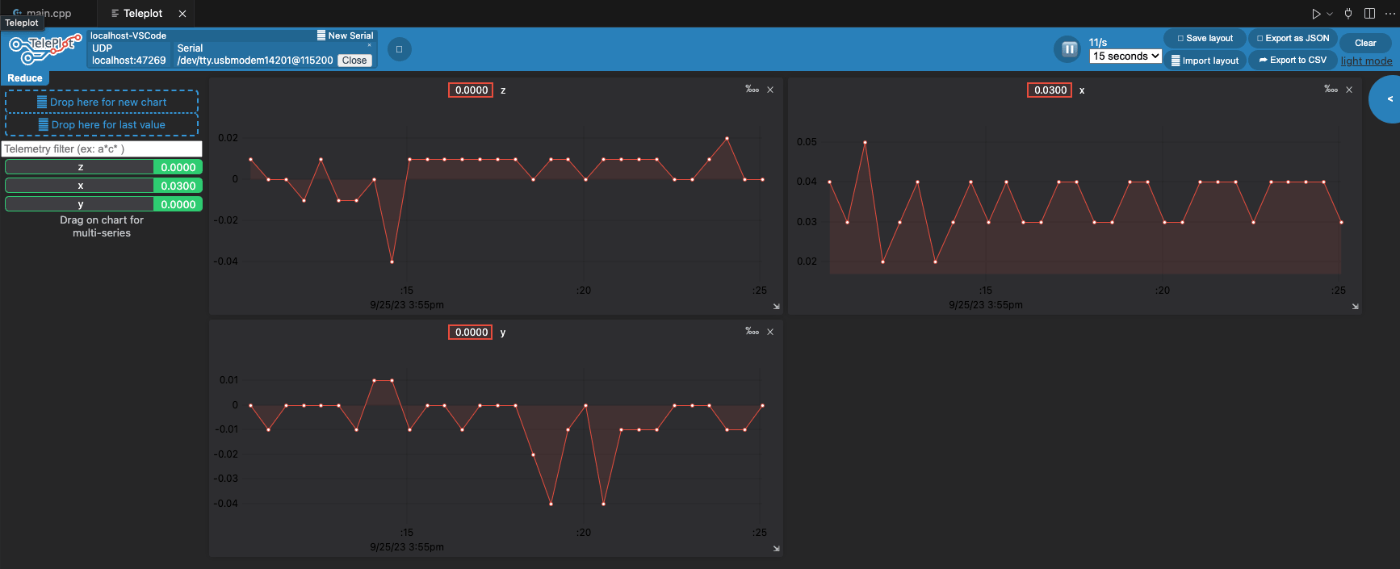
Graphs for each piece of data will be displayed (showing 3-axis data from an accelerometer).
It was very convenient as it could be opened directly from VSCode and was easy to use!
Discussion