iTranslated by AI
M1 Mac x Django x Heroku: Docker Environment Setup Notes


Final Deliverables (Dockerfile/docker-compose.yml, etc.)
When you want to use Dockerfile for M1 Mac, please access to my github.
I have also rebuilt everything after deleting the Docker Images, so I believe it should be fine. However, I would appreciate it if you could point out any mistakes.
Background
Building a Python virtual environment on M1 Mac is difficult. It seems complicated.
So, I decided to create one using Docker.
Reference article
I installed Python on M1 Mac and built a development environment
Required Environment
- Docker Desktop
https://www.docker.com/products/docker-desktop - git
Verified Environment
- Macbook Air (M1)
- Verified up to the creation of the app, DB, and DB admin.
- docker-compose run web python3 manage.py startapp {Application Name}
- docker-compose run web python3 manage.py makemigrations
- docker-compose run web python3 manage.py migrate
- Verified up to the point of being able to log in with Heroku CLI (I didn't know how to open a browser via Docker...)
- heroku login --interactive
Quick Start
- clone to your PC
cd docker_django_herokudocker-compose run web django-admin.py startproject {Project Name} .docker-compose up- enter
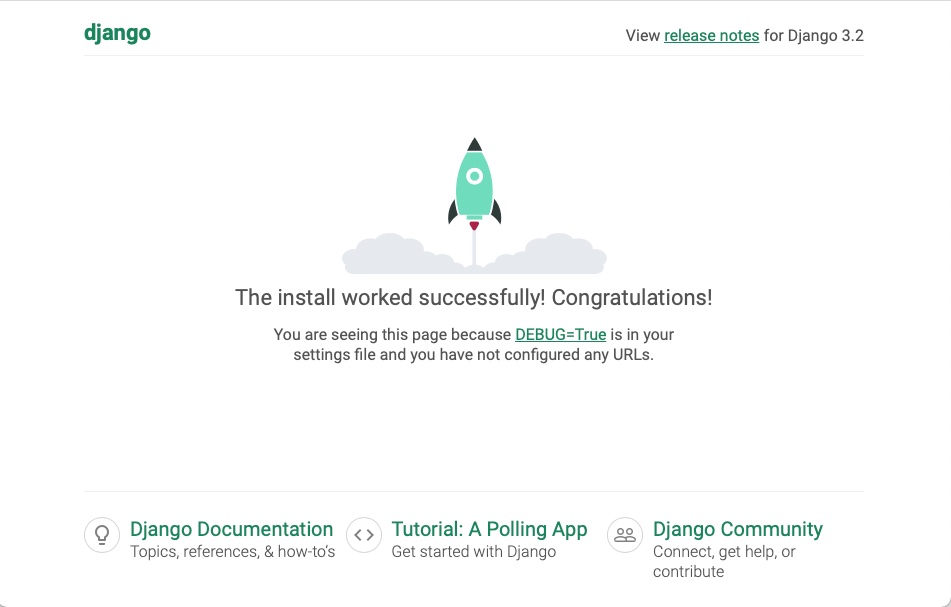
127.0.0.1:8000on your browser
You should see the familiar Django screen.
Why it's a node-based Dockerfile
To use the Heroku CLI. If you don't need the Heroku CLI, I think it's fine to build it based on Python 3. In that case, it will be Debian-based.
Reference article
TODO
-
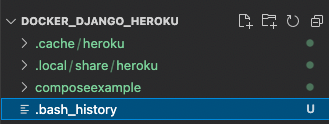
Investigate how to prevent log history etc. from being created and saved in the same directory when running heroku commands inside Docker.
-
I want to be able to open a browser from Docker.
Discussion