iTranslated by AI
Created msbuild and NUnit Execution Skills for GitHub Copilot for VC++ Mixed Solutions





Overview
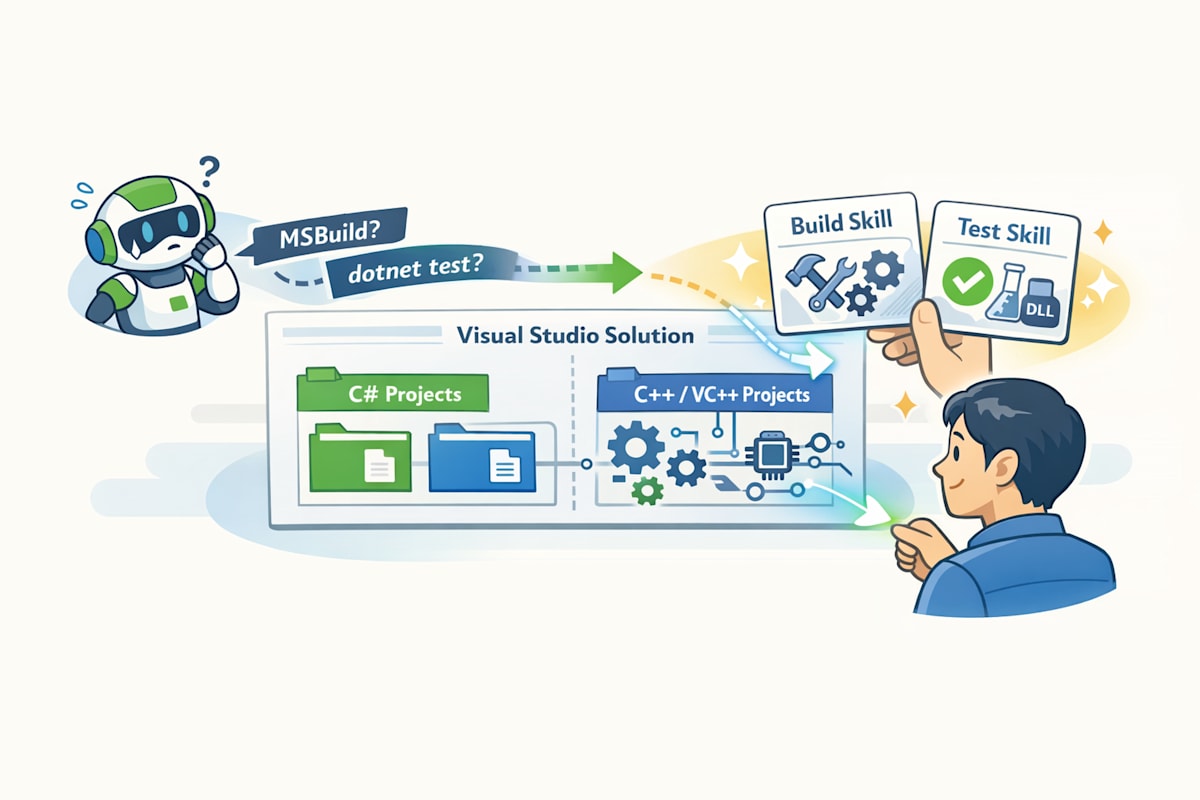
When I let the GitHub Copilot Agent in VSCode handle Visual Studio solutions, it generally works fine with dotnet for C# only. However, when C++/CLI or native C++ are mixed in, it often gets stuck—unable to find msbuild, treating dotnet test as a failure, and so on—making it quite impractical. So, here are two skills I created that proved effective.
Summary First
I created Agent Skills that solve the following two problems:
- It sometimes gets lost searching for the location of msbuild.
- In VC++ mixed solutions,
dotnet testmay be treated as an error even when tests pass.
They are available in this repository:
Created Skills for Building with msbuild
First, let's talk about building. I often see the agent repeatedly trying random paths to find msbuild or failing to execute PowerShell commands, resulting in many unnecessary failures. This skill addresses that.
The skill retrieves the MSBuild location using vswhere.exe, stores it in a variable, and then executes. This ensures the PowerShell command is at least minimally well-formed, increasing the success rate on the first try.
$msbuild = & "${env:ProgramFiles(x86)}\Microsoft Visual Studio\Installer\vswhere.exe" `
    -latest -products * -requires Microsoft.Component.MSBuild `
    -find "MSBuild\**\Bin\MSBuild.exe"

& $msbuild "<Full path to .sln / .slnx solution>" /restore /m /p:Configuration=Debug
The skill I created is here:
Created Skills for Running NUnit Tests with DLL Specification
Next is NUnit tests. I thought that for mixed C++ solutions, NUnit tests could still be run with dotnet test, so there would be no issue—but that wasn't the case.
NUnit itself can be executed with dotnet test. However, when C++ or C++/CLI are mixed in, errors occur during the preliminary build phase before test execution. Consequently, even if tests pass, GitHub Copilot may treat them as "test failures."
I circumvented this by searching for the target test DLL using a filename pattern and then specifying that DLL for execution. Even with mixed DLLs, this approach treats the VC++ part as "0 tests, passed" rather than a "build error," making GitHub Copilot less likely to stop.
The skill I created is here:
However, because this method searches for DLLs, it will succeed even if the target test DLL is not found. You'll need to verify that the target DLLs are correctly located in your solution and, if not, adjust the search method accordingly.
Not Covered by Awesome-copilot
When searching for these kinds of GitHub Copilot Skills, Awesome Copilot is quite useful:
However, I couldn't find any that deeply utilize msbuild and similar tools for the specific issues I encountered. It seems the demand for such specialized skills is limited, so I had to create them myself.
.NET Skills with General msbuild Knowledge Released in March 2026!
This is a welcomed effort. Since these skills provide general knowledge on how to use msbuild itself, they can be used complementarily with the specific fixed msbuild search commands and mixed-solution test execution methods introduced in this article.
Summary
The two skills I created this time proved to be quite practical and helpful. At least in my environment, after adding these two, the build and test process became much more straightforward. If anyone else is stuck with the same issues, I believe they can use these as-is.
Discussion