iTranslated by AI
🥾 walk: A Modern TUI File Manager




Introduction
The tool I'm introducing in this article is "walk" below.
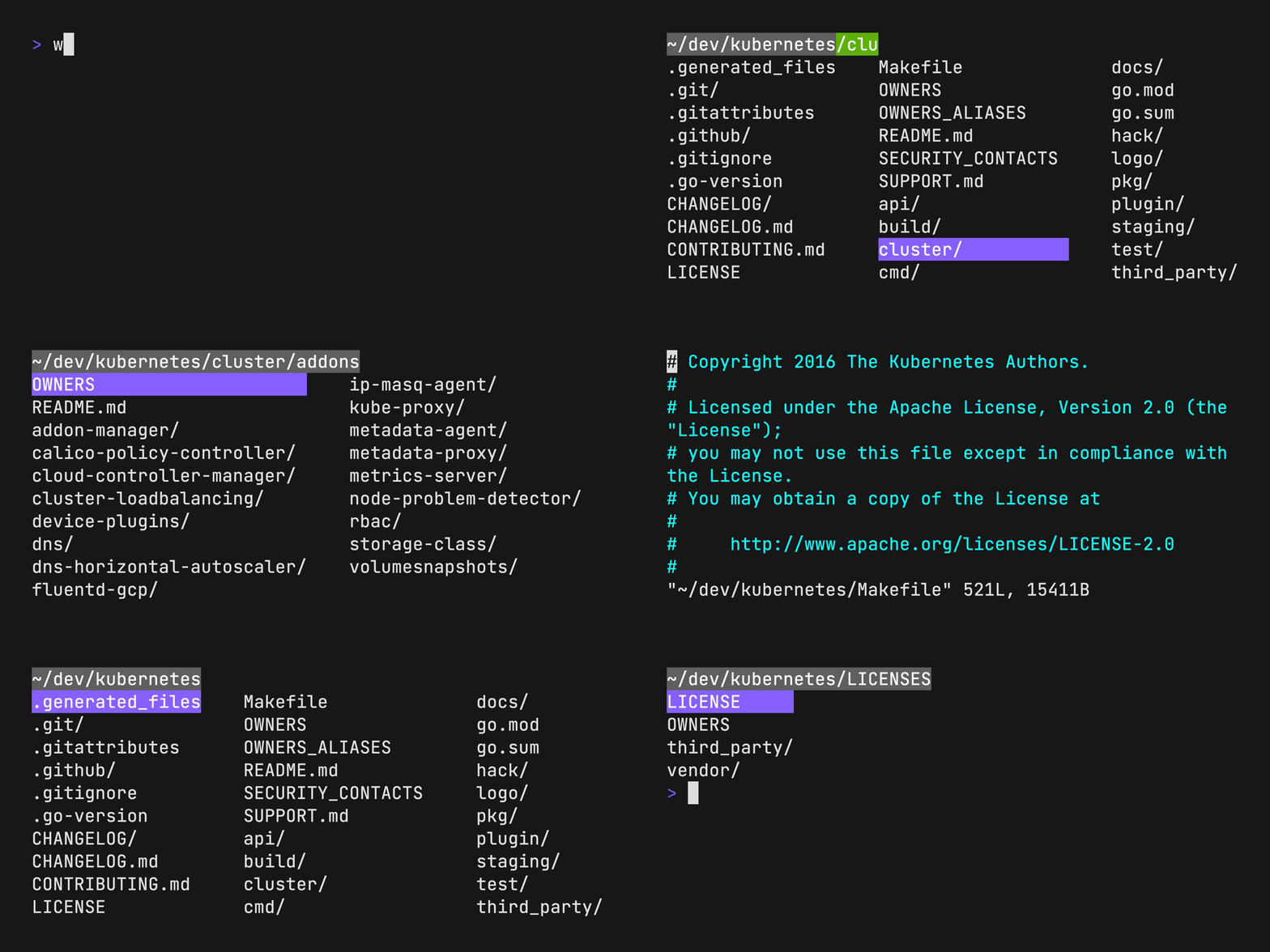
I found a tool with a fantastic user experience while looking for a terminal file manager, so this is an introductory article for it.
My environment before finding walk
Before I encountered walk, I used a combination of fzf and z to navigate directories on the terminal.
This setup is a method many people use online.
In the article above, z isn't used, but if you do use z, directories with frequent visit history appear as candidates.
The combination of fzf and z is comfortable, but the visibility isn't great because it displays things at the file level. I could have written a shell script to handle file granularity, but I wanted a more effortless way to move between directories.
Introducing walk
walk is a CLI tool built with Go. As shown in the GIF at the beginning, it has a modern look and allows you to not only navigate directories but also preview, delete, and perform fuzzy searches.
Directory navigation is vim-like, making it familiar to those who usually work with terminal screens.
Installation
Various installation methods like brew, snap, and pacman are provided. I installed it using go install.
go install github.com/antonmedv/walk@latest
Once the installation is complete, add the following to your shell configuration file, such as .bashrc or .zshrc.
function lk {
  cd "$(walk "$@")"
}
Now, you can start it by typing lk, and it will cd into the specified directory upon exit.
Also, you can specify the editor you use by setting an environment variable.
I use VSCode, so I've set it to
code.
export EDITOR=code
That's it for the setup.
The supported operations are shown in the table below.
| Key Binding | Description |
|---|---|
| Arrows, hjkl | Move cursor |
| Enter | Enter directory |
| Backspace | Exit directory |
| Space | Toggle preview |
| Esc, q | Exit with cd |
| Ctrl+c | Exit without cd |
| / | Fuzzy search |
| dd | Delete file or directory |
| y | Yank (copy) current directory |
Conclusion
The user experience is fantastic, and since there were no introductory articles in Japanese online, I wrote this article because I wanted as many people as possible to start using it as soon as possible.
That's it for the introduction to the modern terminal file manager "walk."
Discussion