iTranslated by AI
Running Stable Diffusion with MLX


Hello, I'm noppe.
Recently, MLX, an ML framework optimized for Apple silicon, was announced.
I'm not an expert, so I don't really know the ins and outs of ML, but let's give it a try for now.
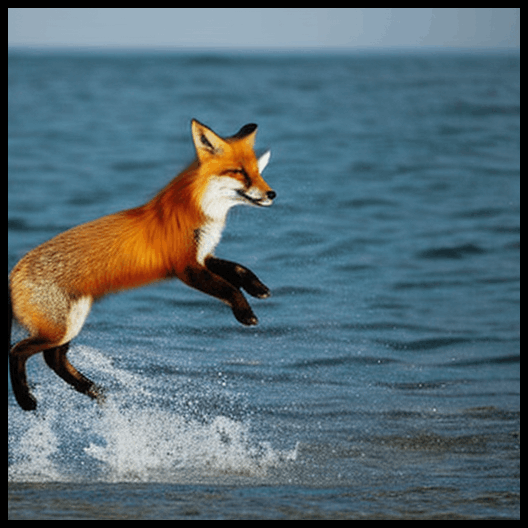
A fox jumping on the sea.
This is an image generated using MLX's Stable Diffusion this time.
It looks like the image is being generated just like with regular Stable Diffusion.
As a side note, I feel like foxes in Stable Diffusion are often generated with this specific fur color.
MLX comes with several examples, so it wasn't particularly difficult just to try it out.
gh repo clone ml-explore/mlx-examples
cd mlx-examples/stable_diffusion
pip install -r requirements.txt
python txt2image.py "A fox jumping on the sea." --n_images 1 --n_rows 1
It worked without any major issues.
The model is downloaded during the first run.
The MLX README states:
MLX has a Python API that closely follows NumPy.
It seems the framework also includes computational operations like NumPy.
In fact, in the Diffusion sample code I used, operations like simplify and concatenate were being performed using MLX.
for x_t in tqdm(latents, total=args.steps):
    mx.simplify(x_t)
    mx.simplify(x_t)
    mx.eval(x_t)

# Decode them into images
decoded = []
for i in tqdm(range(0, args.n_images, args.decoding_batch_size)):
    decoded.append(sd.decode(x_t[i : i + args.decoding_batch_size]))
    mx.eval(decoded[-1])

# Arrange them on a grid
x = mx.concatenate(decoded, axis=0)
x = mx.pad(x, [(0, 0), (8, 8), (8, 8), (0, 0)])
Discussion