iTranslated by AI
[React] Hacking the Scratch Frontend


https://scratch.mit.edu/ is written in React. Let's try hacking it.
Since you can access Scratch's frontend state from the outside, you can play around with it in various ways.
_reactRootContainer
Scratch uses React 16, and the root element mounted by React has a property called _reactRootContainer. Using this, you can access the internal state of React.
On the Scratch project page, the ID of the root element is app. Let's try using it:
const app = document.getElementById('app')
const rootContainer = app._reactRootContainer
console.log(rootContainer)
If you run this in the browser console, you'll get the following result:

Getting Fiber Nodes
Internally, React uses a graph-structured data type called "Fiber" to manage the UI. You can obtain Fiber nodes from the rootContainer we just retrieved.
const rootFiberNode = rootContainer._internalRoot.current
console.log(rootFiberNode)

However, this is the root Fiber node; the actual component's Fiber node is among its children. To get it, you use rootFiberNode.child.
const appFiberNode = rootFiberNode.child
By using the property memoizedProps, you can access the component's Props.
In the root component, a Redux store is passed via a prop named store. Let's retrieve this and access the Scratch store.
const scratchState = appFiberNode.memoizedProps.store.getState()

console.log(scratchState)

Several stores are combined, but the important one is the store called scratchGui. Using this, you can access the Scratch editor.
Let's Play with the VM
Scratch uses a virtual machine called Scratch VM to execute projects. This VM is stored within the scratchGui store. Let's retrieve it.
const vm = scratchState.scratchGui.vm
console.log(vm)

Once you get the VM, you can do various things. For example, you can enable turbo mode from the console.
vm.runtime.turboMode = true
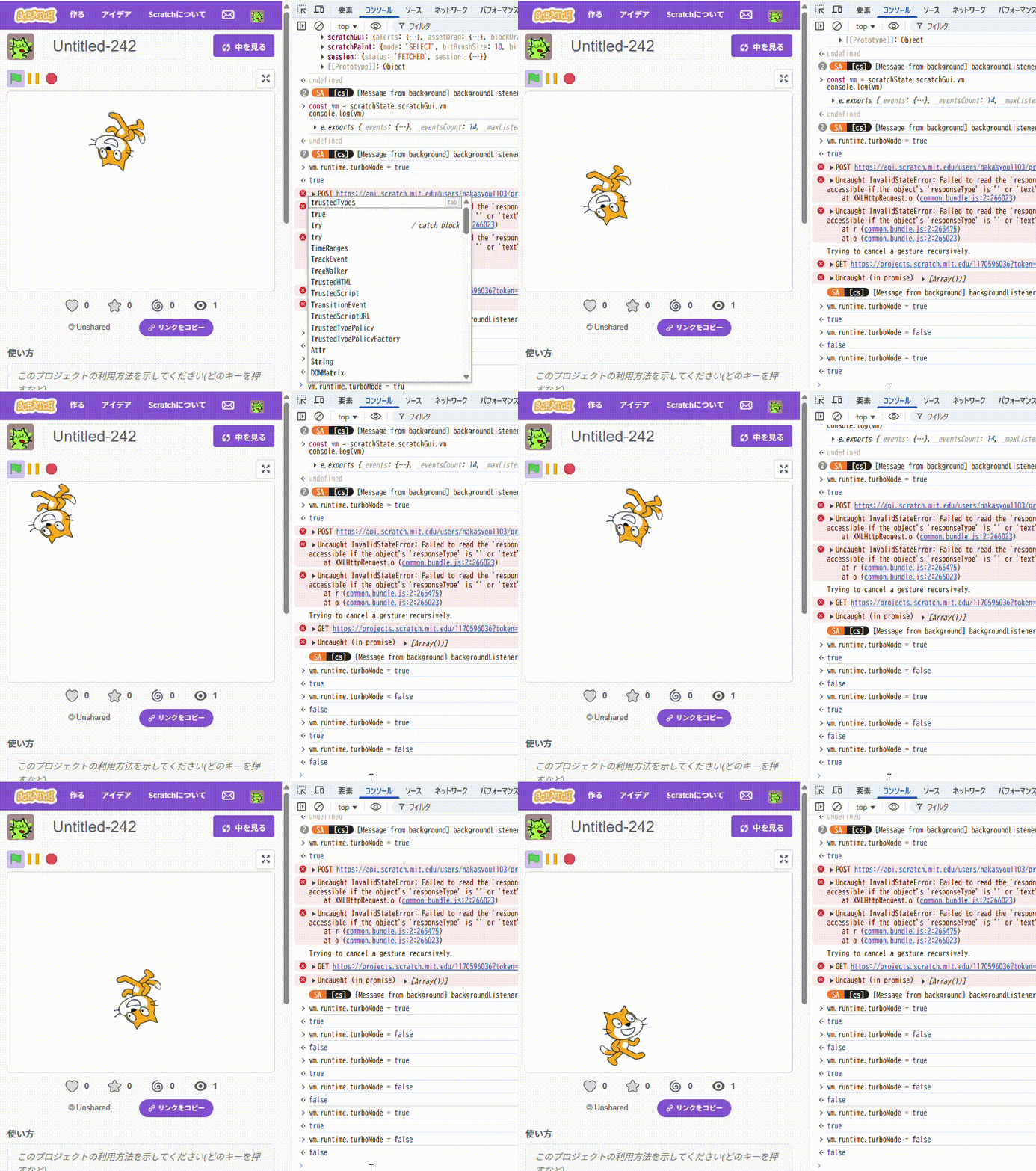
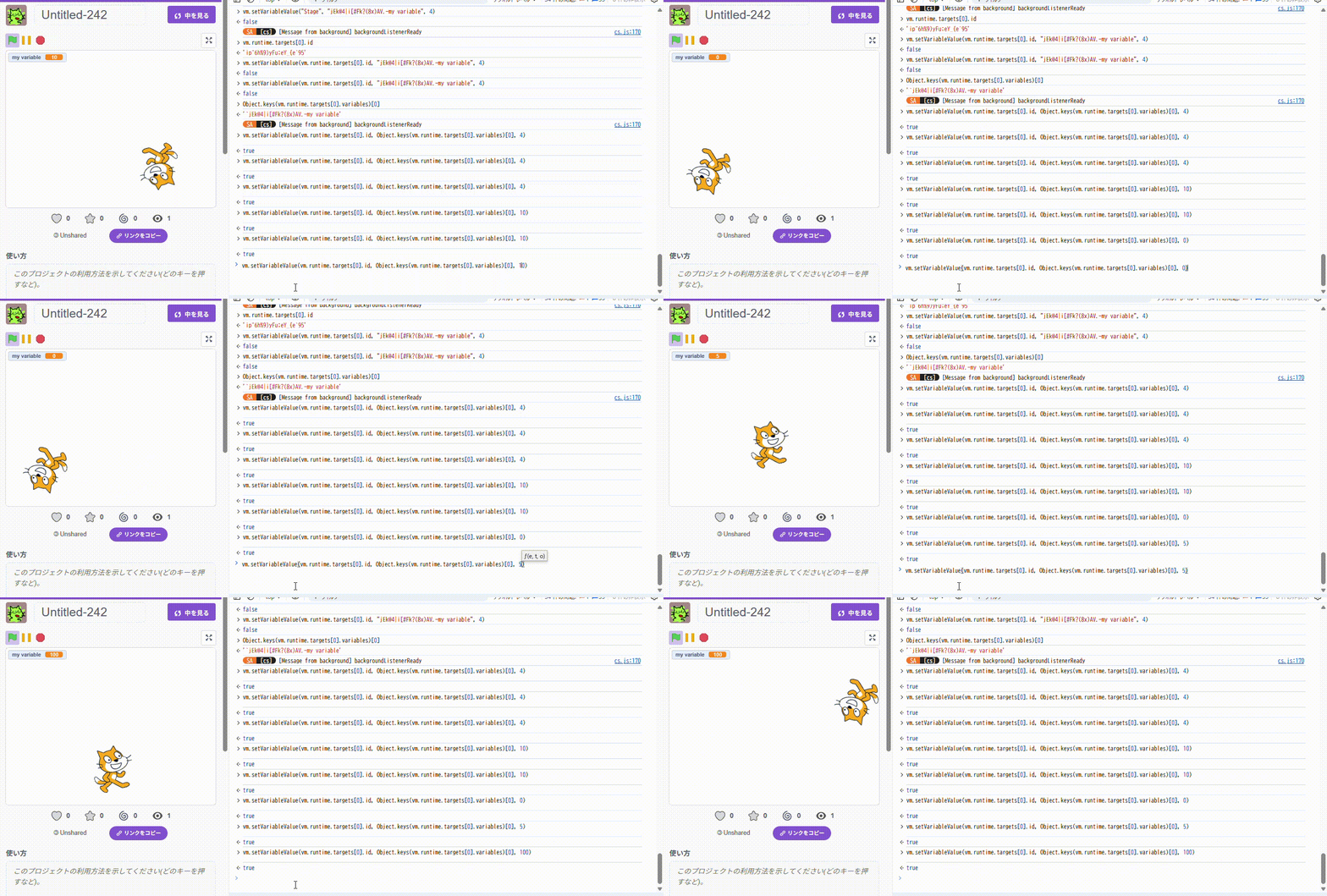
Additionally, you can change variables externally like this:
Changing values that cannot be accessed from the store
There are also values that cannot be accessed from the store. For example, in Scratch, when you click the "See Inside" button on a project created by someone else, a connection for "Cloud Variables"—user-shared variables using WebSockets—is established. This disconnection process cannot be accessed from the store.
However, by using Fiber nodes, it is possible to retrieve any component.
export function getSpecifiedFiber(
	root: ReactFiber,
	cond: (fiber: ReactFiber) => boolean,
) {
	const stack = [root]
	while (true) {
		const fiber = stack.pop()
		if (!fiber) {
			return null
		}

		if (cond(fiber)) {
			return fiber
		}
		if (fiber.child) {
			stack.push(fiber.child)
		}
		if (fiber.sibling) {
			stack.push(fiber.sibling)
		}
	}
}
This function performs a depth-first search through Fiber nodes and returns the node that satisfies the condition. We will use this.
The logic for cloud variable connection is handled by an HOC called cloudManagerHOC adding a component named CloudManager to the UI:
Inside this, there is the disconnection logic that triggers when "See Inside" is clicked.
By replacing this with an empty function, we can disable the disconnection of cloud variables!
First, let's use getSpecifiedFiber to retrieve the Fiber node where CloudManager is mounted.
As shown here, the propTypes contain a property called canModifyCloudData, so we will use that for identification.
const cloudManagerFiber = getSpecifiedFiber(root, (fiber) => {
    if (typeof fiber.type === 'function') {
        const propTypes = fiber.elementType.propTypes
        if (propTypes && 'canModifyCloudData' in propTypes) {
            return true
        }
    }
    return false
});
Now, let's retrieve the component from the Fiber node we obtained.
const cloudManagerHOC = cloudManagerHOCFiber.elementType.prototype
We'll replace the disconnectFromCloud method of this component with an empty function.
cloudManagerHOC.disconnectFromCloud = () => {}
With this, even if you click "See Inside," the connection to cloud variables will no longer be severed.
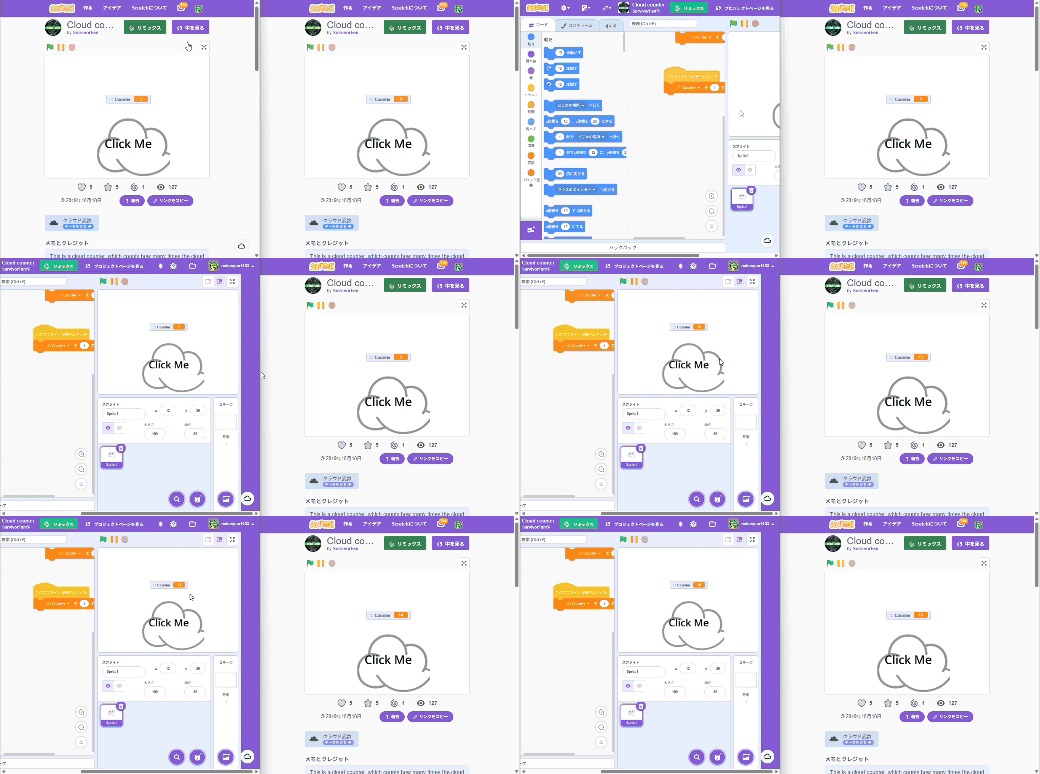
In this way, by using React Fiber nodes, you can modify values that are not accessible from the store.
Summary
- Scratch uses React 16.
- You can hack Scratch from the outside using Fiber nodes.
- Values inaccessible from the Redux store can also be changed using Fiber nodes.
I hope you all try reading the Scratch source code and hacking it yourself. Happy Hacking!
Discussion