iTranslated by AI
The content below is an AI-generated translation. This is an experimental feature, and may contain errors. View original article
📑
How to Deploy a Static Site to Vercel (For Beginners)


Introduction
Please make sure to check the official Vercel website for the latest information.
Overview
Suppose you have the following file structure:
/profile
  - index.html
  - index.css
index.html
index.css
In this article, I will explain how to upload these files to GitHub and deploy them to Vercel to host your site for free.
Here is the main content:
1. Upload static files to GitHub
If you are new to this, please refer to this article.
2. Sign up for Vercel
Click "Sign Up".

Select "Hobby", enter your preferred "Your Name", and click "Continue".

Click "Continue with GitHub" to link your account.

3. Deploy to Vercel
If this is your first time, click "Install" to set up the integration.
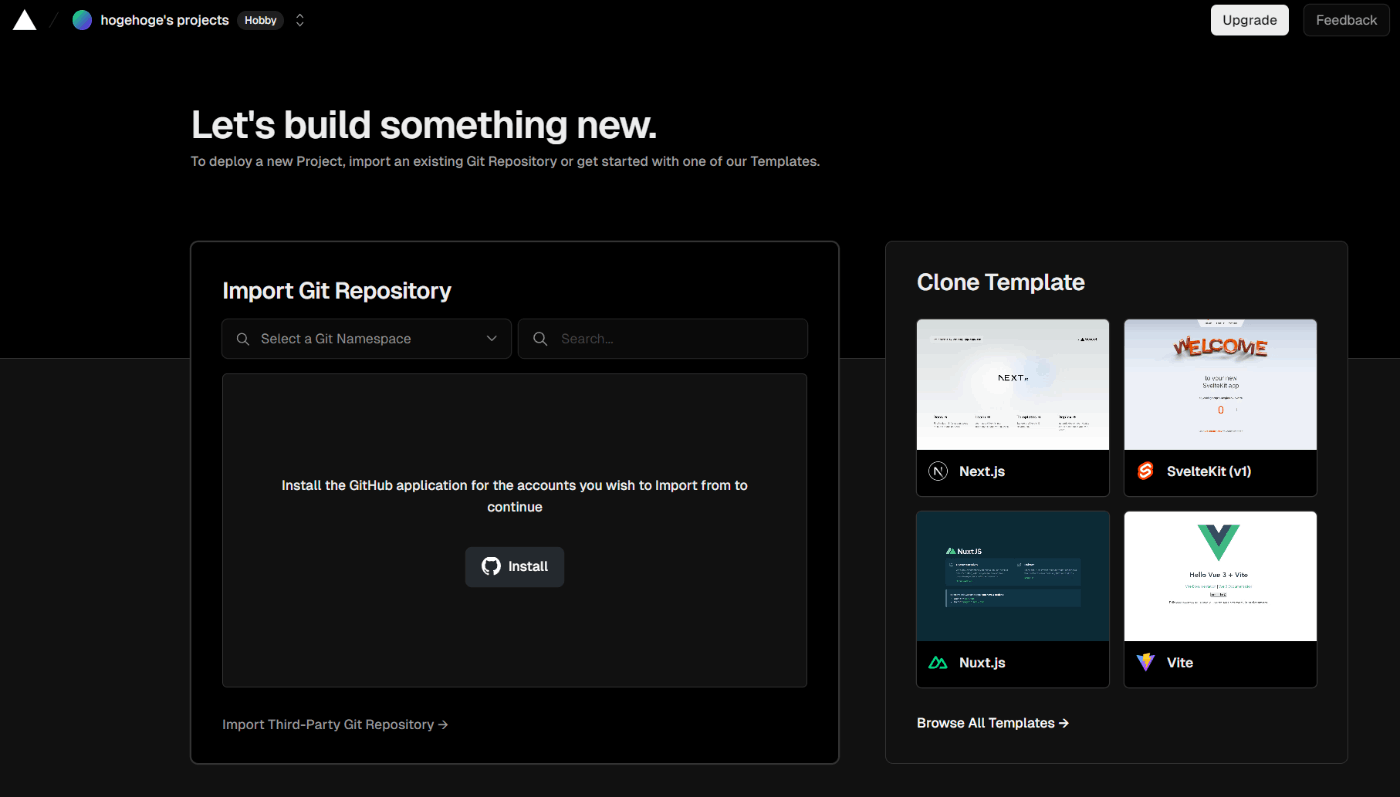
Once the integration is successful, the files you uploaded to GitHub will appear as shown below.
When they are displayed, click "Import" to start the deployment.
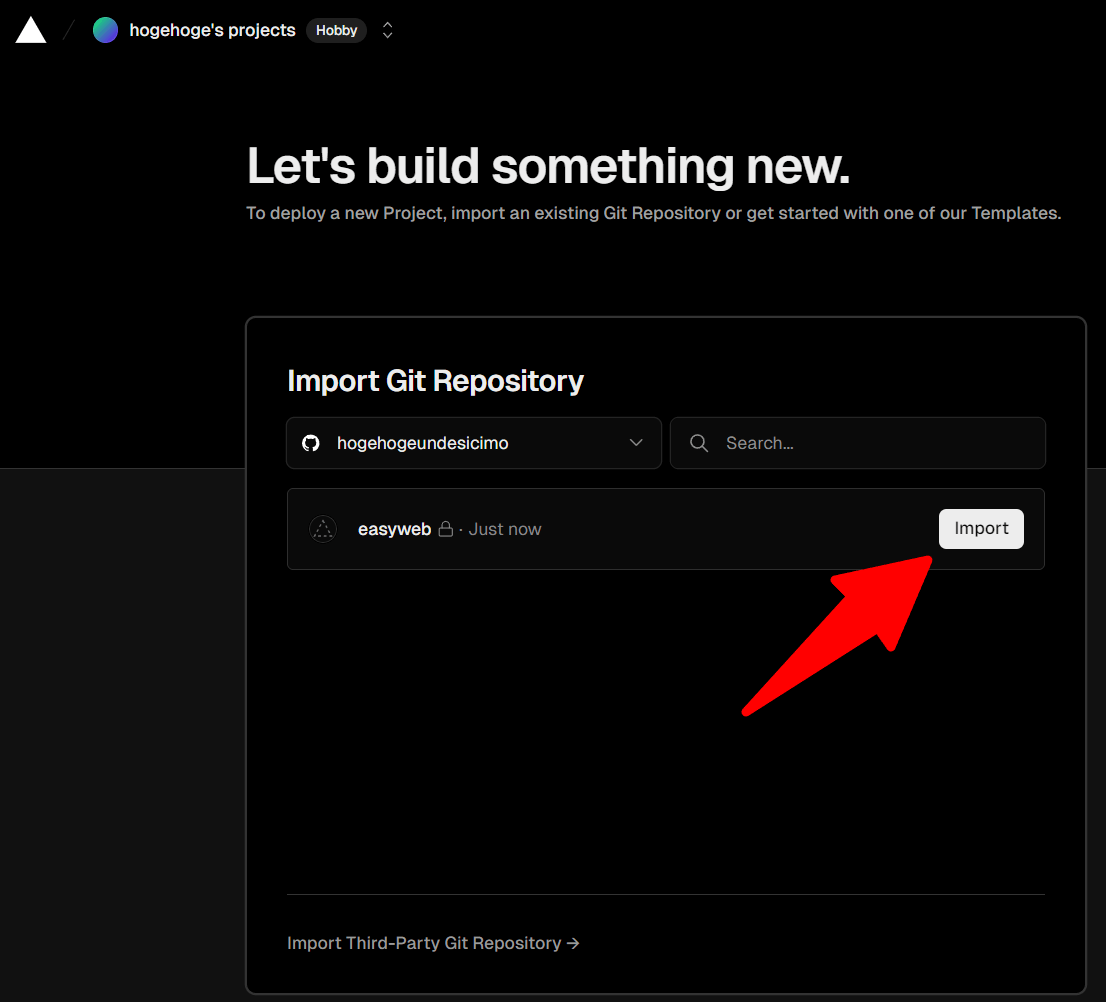
Proceed with caution from here.
- Click on "Build and Output Settings" to expand the dropdown menu.
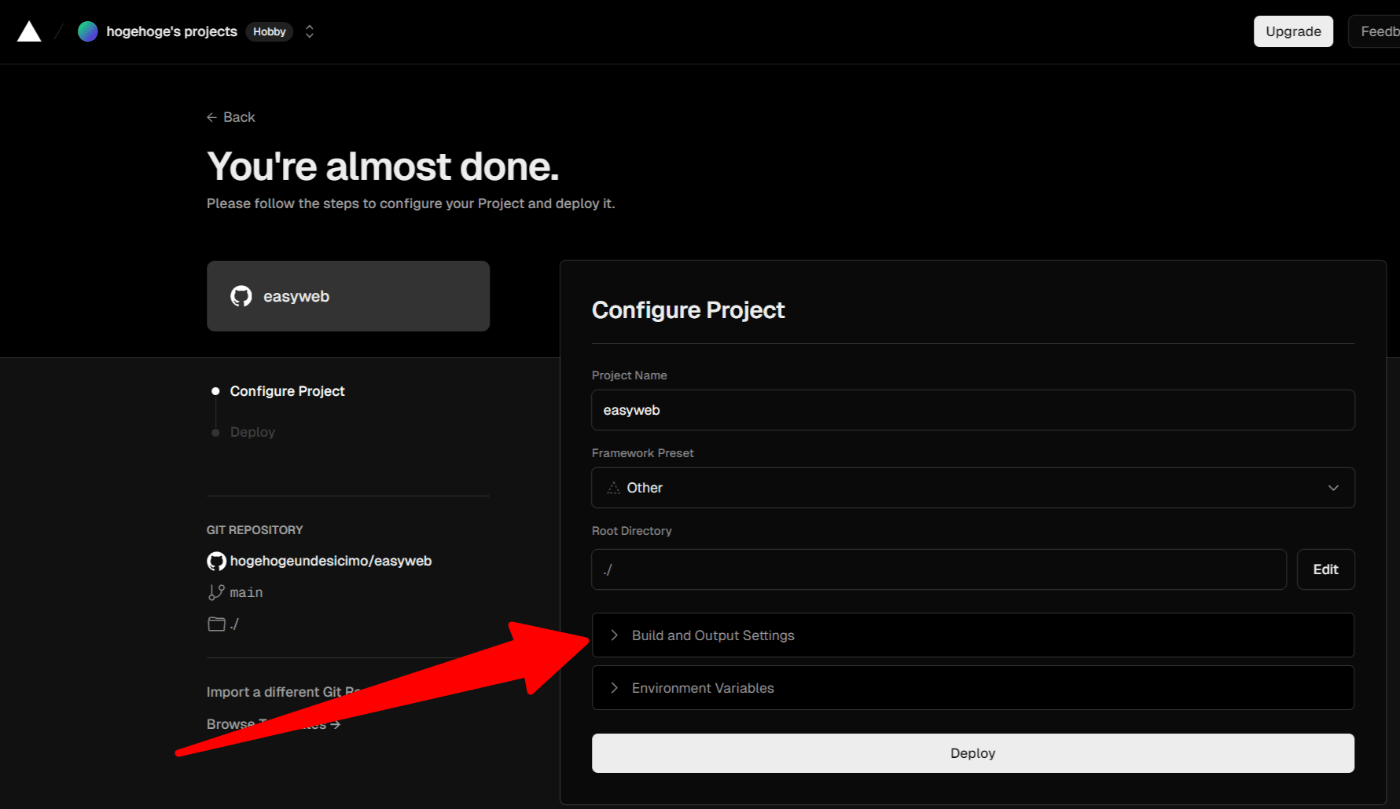
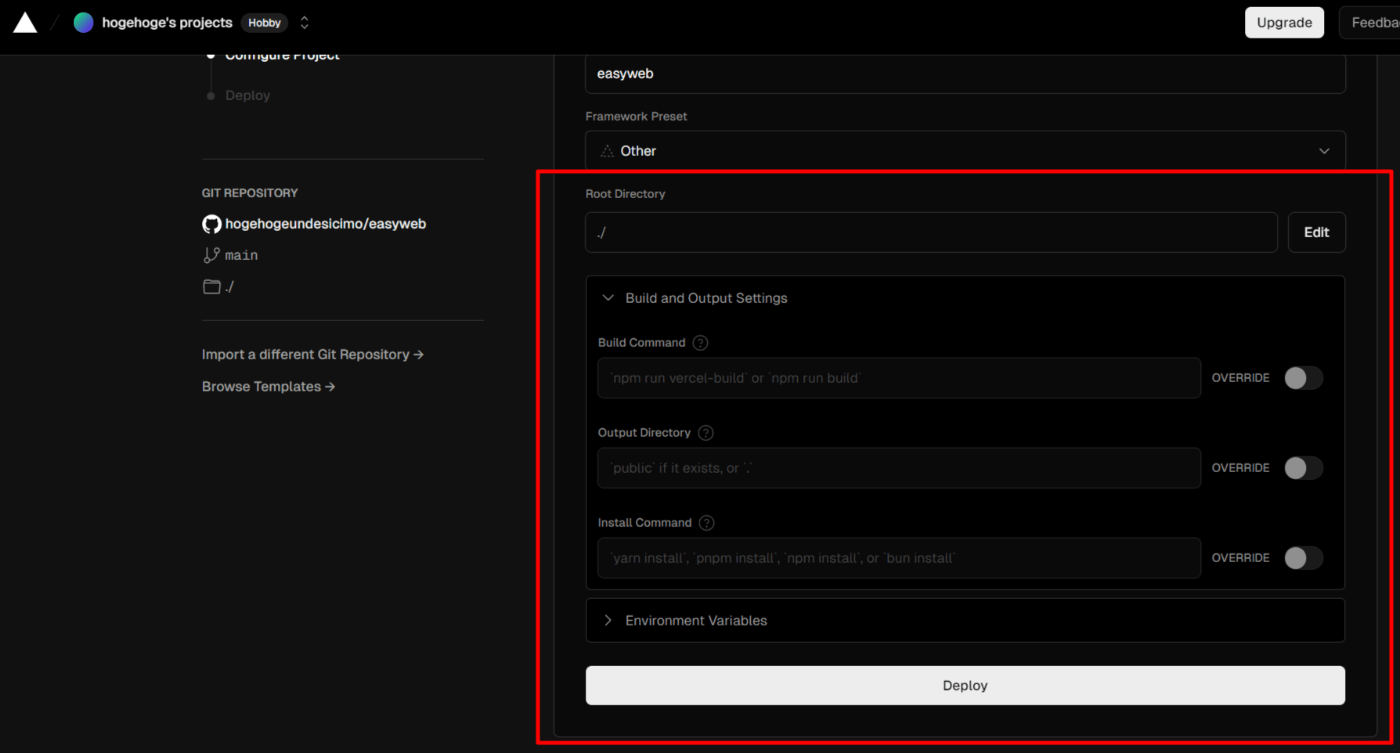
- Click the toggle for "OVERRIDE" and enter "." in the input field.
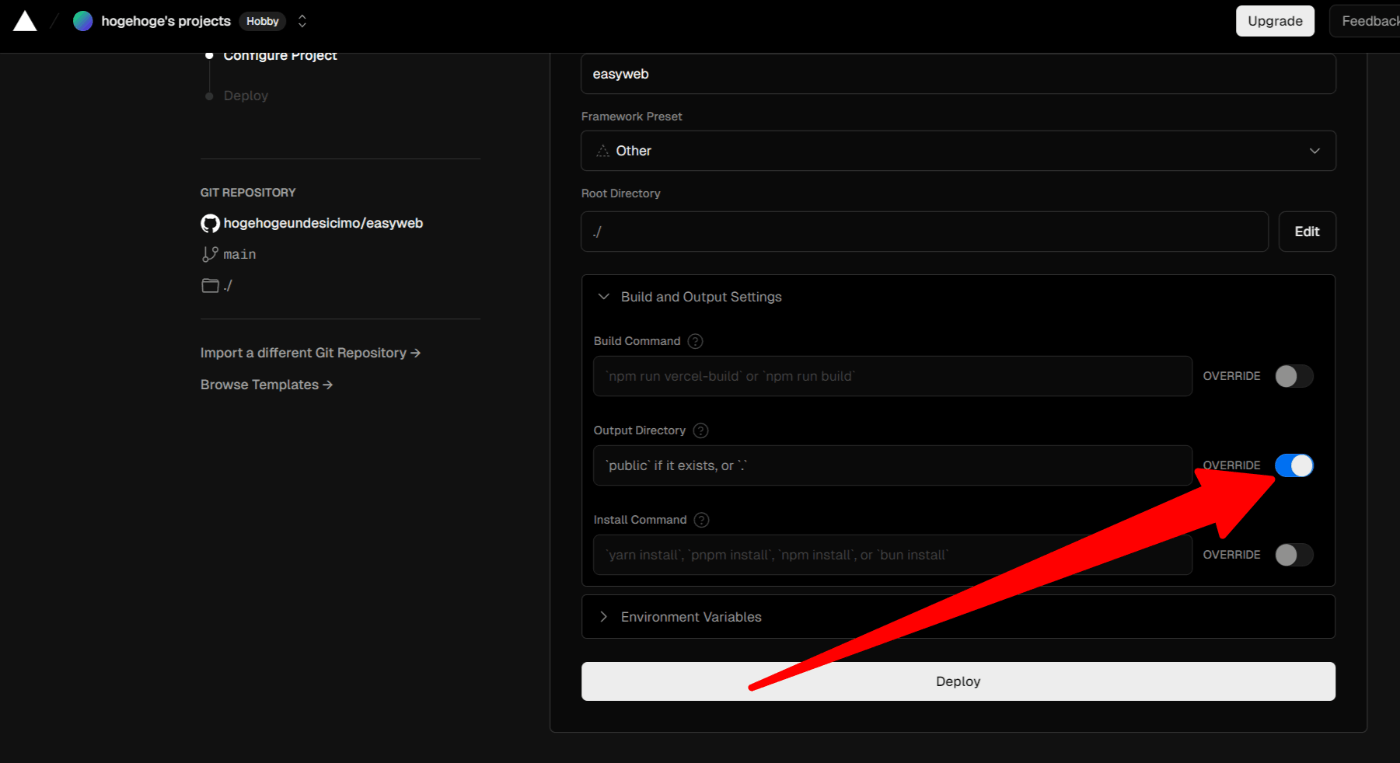

- Click "Deploy". After a while, you will see a screen like the one below 👏
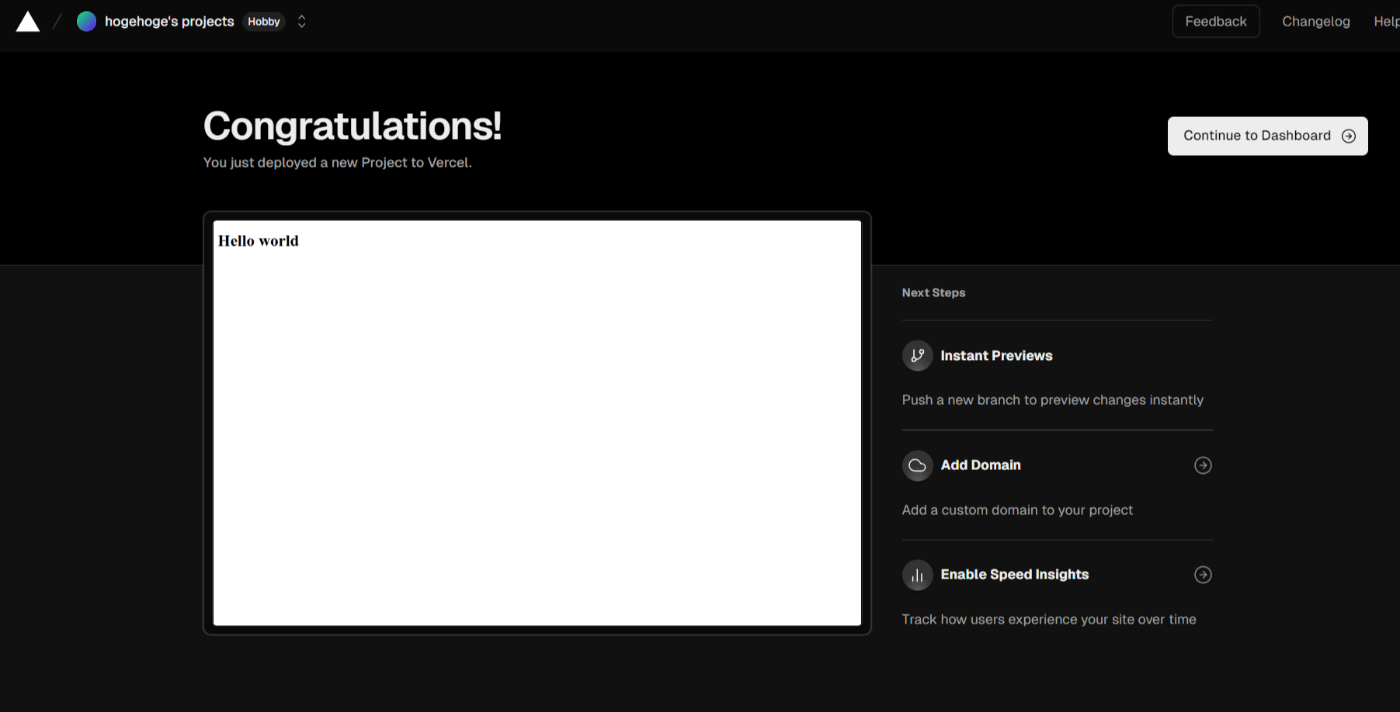
Click on the image, and you will be directed to your deployed site 👏👏👏
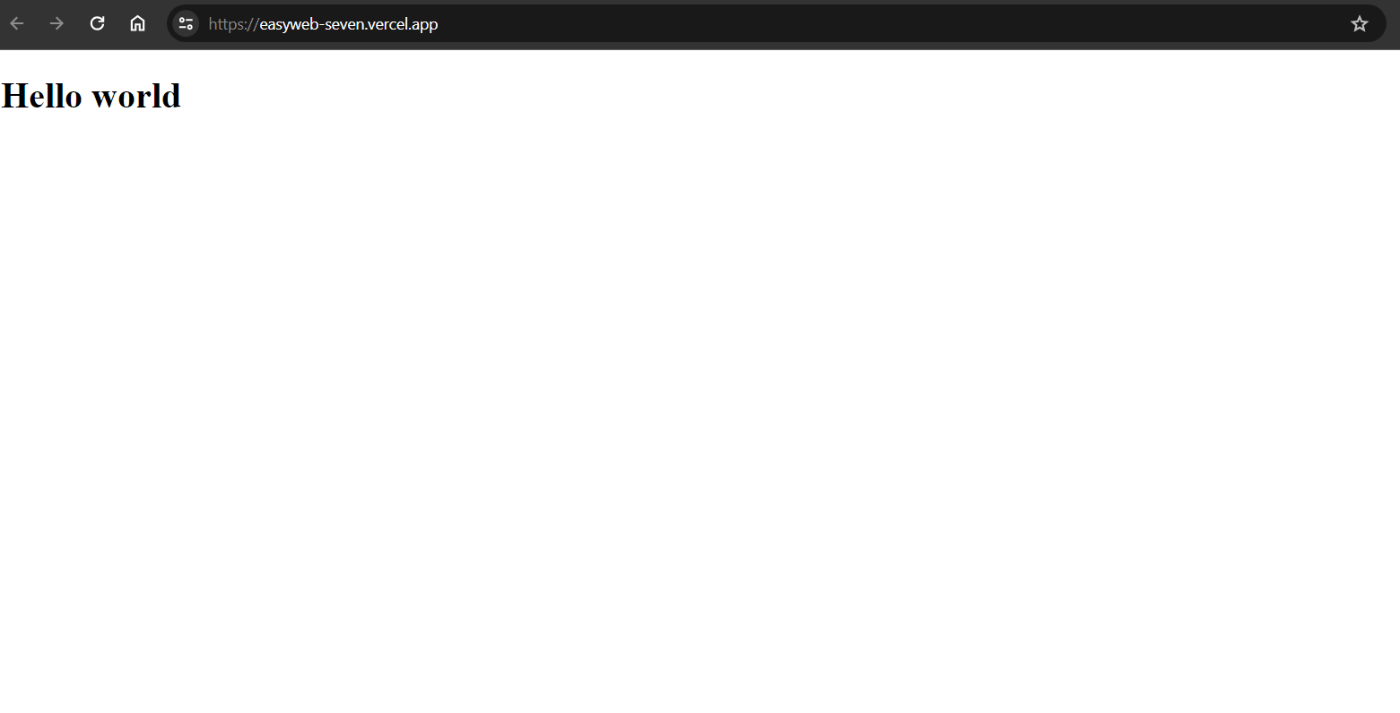
https://easyweb-seven.vercel.app/
Discussion