iTranslated by AI
Installing XAMPP 8.1.6 (PHP 8.1.6) on M1 Mac


This is a note, though I'm not sure if it worked perfectly.
When I tried installing XAMPP on an M1 Mac, I couldn't get an IP address and encountered the following error:
INFO: Starting "XAMPP" stack ERROR: Error starting "XAMPP" stack: cannot calculate MAC address
For now,
I'll install XAMPP 7.2.34 using the method below.
But, I want to install PHP 8.1.6.
(In the middle, I tried this, but it stopped working, so I think what I did there probably isn't relevant...)
In the end,
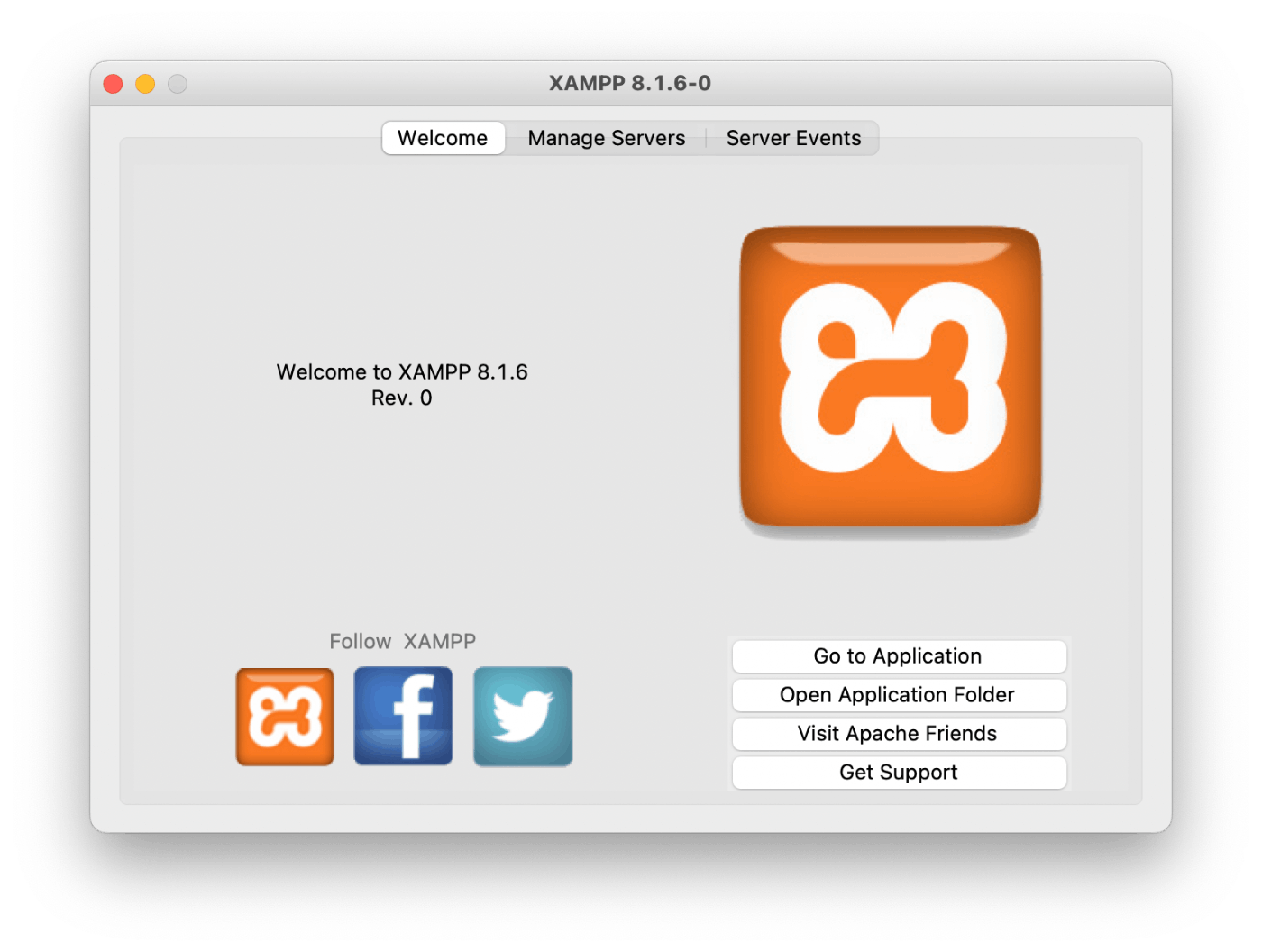
I renamed the [XAMPP] folder in the Applications folder, restarted my PC just in case, and tried downloading and installing the XAMPP 8.1.6 installer in the same way as 7.2.34.
During installation, I clicked the checkboxes for
"XAMPP Core File" and "XAMPP Developer File" under [Select Components] to turn them blue (meaning they were selected).
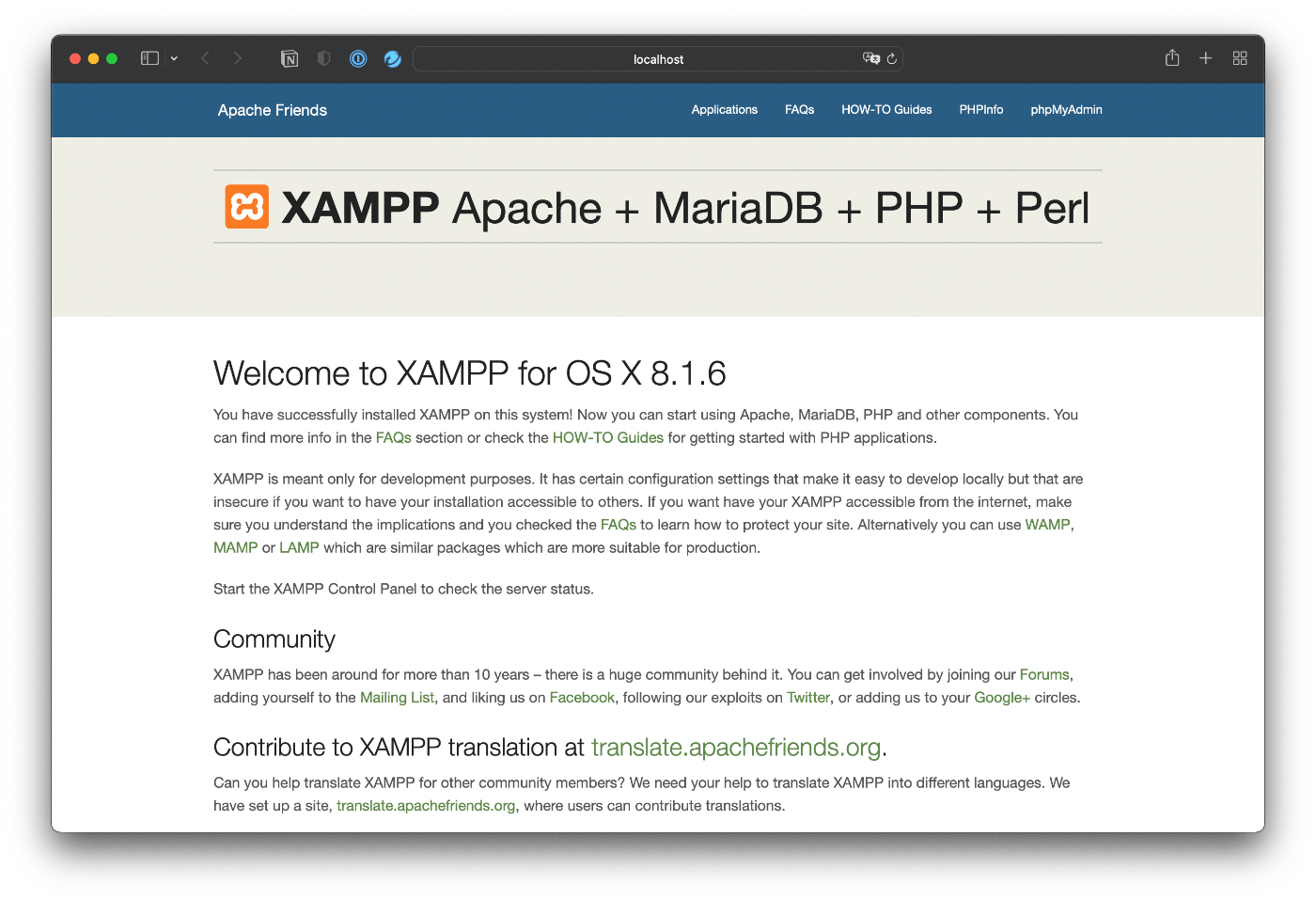
The UI looks a bit different, but did it work?

Discussion