iTranslated by AI
Understanding WebView and Native Code Integration in Strada


Strada, the native component bridge library for the Turbo family—which I'm sure everyone loves—has finally been released, so I'll explore its implementation.
Prerequisites
- Turbo Native is running the web app. This can be a remote URL.
- Controllers are written using Stimulus.
Test Environment
You can try out Strada's features by loading https://turbo-native-demo.glitch.me/ with the Demo App from https://github.com/hotwired/turbo-ios.
git clone https://github.com/hotwired/turbo-ios
xed Demo/
The server-side code is available at https://github.com/hotwired/turbo-native-demo, and you don't need Rails to run it (it's written in Express+EJS).
For now, I'll explain using the https://turbo-native-demo.glitch.me/strada-menu sample.
If you open this page in the iOS app and tap a button, the UIAlertAction API of the native code is called outside the context of the WebView.
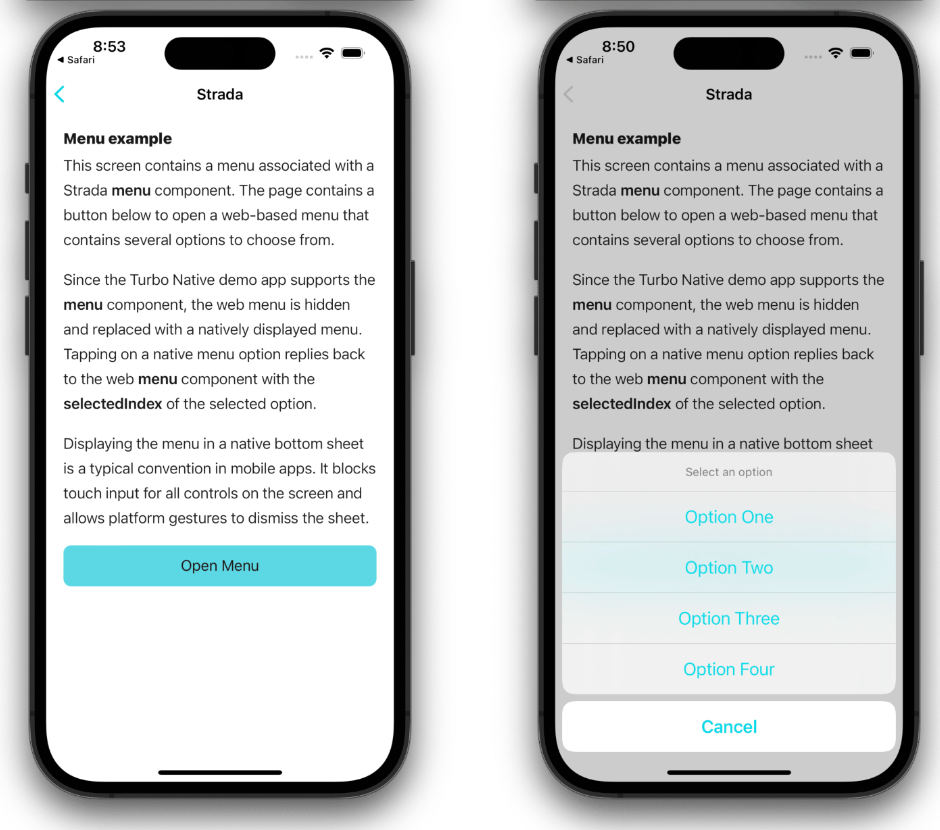
Usage
HTML for the View
The part declared with data-action="click@window->menu#hideOnClickOutside" is a view that falls back to the web only, not native.
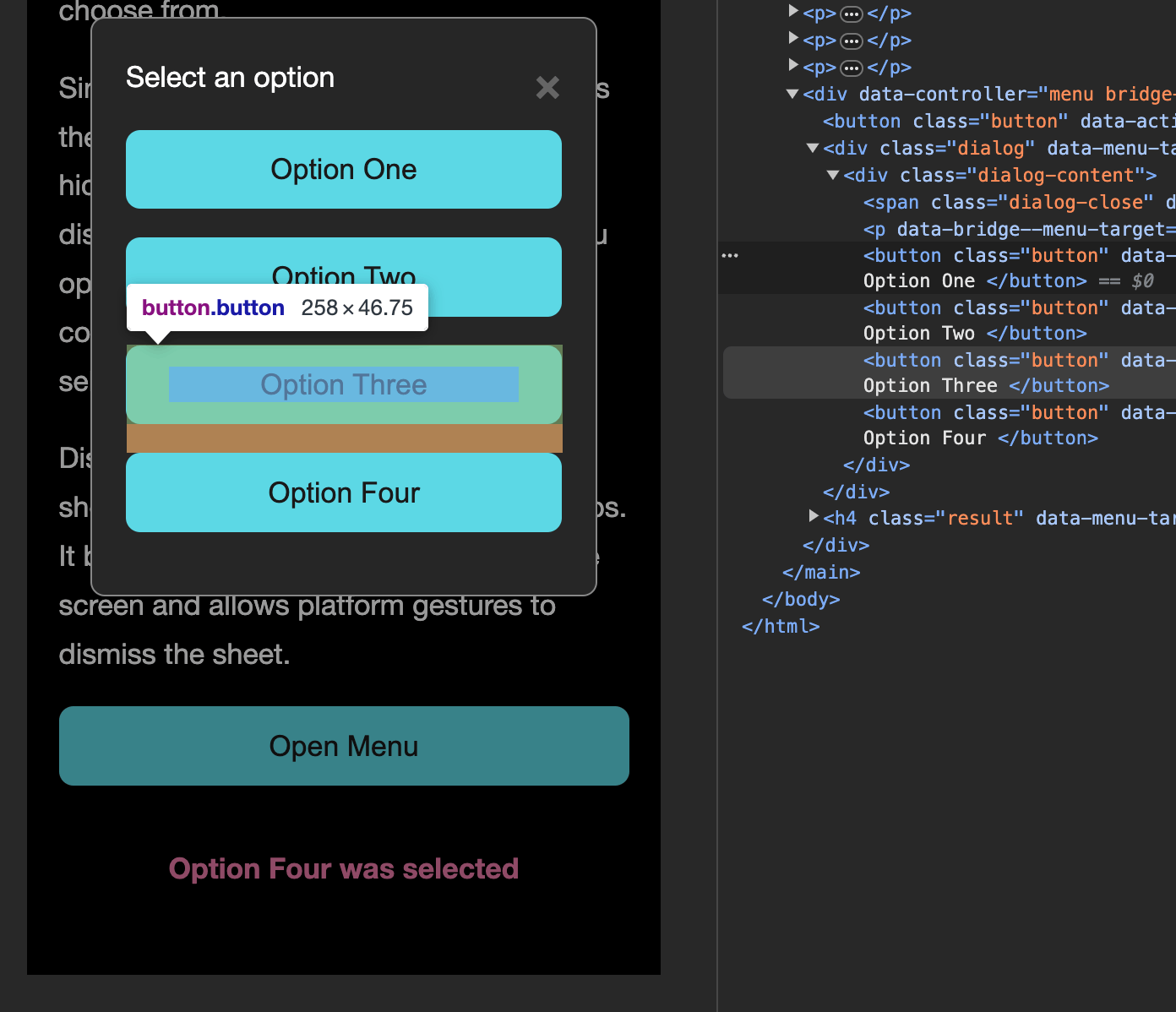
Elements with data-action="click->bridge--menu#show click->menu#show" are for the native bridge.
They are attached via Stimulus.register("bridge--menu", BridgeMenuController).
The this.send("display",... block is the key; by calling this, messages are sent to the native components.
There is a function for when a callback from native to web occurs. In this sample, it's the code to reflect the clicked menu item in the view.
Below is the implementation of the native component. send->onReceive() are paired. In this case, message.event='display'.
When returning from native to the WebView, use reply().
The controller operating within the WebView is also running simultaneously, and the "was selected" message is displayed by the web side.
You can also implement views outside the WebView natively. Below is the section describing the Android view.

Development Flow
That covers how to use Strada. The key point, as with the previous Hotwire series, is that it allows for gradual delivery in the following stages:
- Build a web app using only Turbo.
- Add Stimulus to write client-side logic.
- Turn it into a hybrid app with Turbo Native.
- Write bridge code with Strada to extend it.
Next, I want to dive deep into the internal implementation of Strada.
strada-ios Implementation
- It extends WKWebView with WKUserContentController to attach the strada.js interface to the native side.
- window.Strada is injected into the browser side (web app), and a bidirectional messaging protocol using it is implemented.
So, if you execute code like this directly from the web app, it is possible to use messaging directly.
Strada.web.send({
  id: "1",
  component: "menu",
  event: "display",
  data: {
    metadata: { url: window.location.href },
    title: "Hello",
    items: [{ index: 0, title: "Goodbye" }],
  },
  callback: console.log('Strada callback'),
});

strada-android Implementation
- It sets StradaNative (strada.js) to
window.nativeBridgeusingwebview.addJavascriptInterface(). - It handles messaging by executing JavaScript code generated via
webview.evaluateJavascript().
Discussion