iTranslated by AI
Running Meta Llama 3 with MLX Swift




To run LLM inference on macOS or iOS devices, you can use llama.cpp[1] or MLX[2].
MLX is a project by Apple, and a Swift API is also available[3].
To run LLMs on-device using MLX Swift, the source code provided in the MLX Swift Examples repository is a helpful reference.
Within this, the app called LLMEval downloads any model from Hugging Face and performs text generation. It works on both Mac and iOS.
By default, LLMEval can be switched to run the following models:
Running Llama 3
Since the listed llama is CodeLlama, I will add Llama 3 here and try to run it.
Update the source code of the LLM library (MLX) that LLMEval depends on.
Add the following description to Models.swift:
+     public static let llama38bInstruct4bit = ModelConfiguration(
+        id: "mlx-community/Meta-Llama-3-8B-Instruct-4bit",
+        overrideTokenizer: "LlamaTokenizer"
+    )
The specification is made in LLMEval/ContentView.swift:
- let modelConfiguration = ModelConfiguration.phi34bit
+ let modelConfiguration = ModelConfiguration.llama38bInstruct4bit
Downloading will begin upon the first launch.
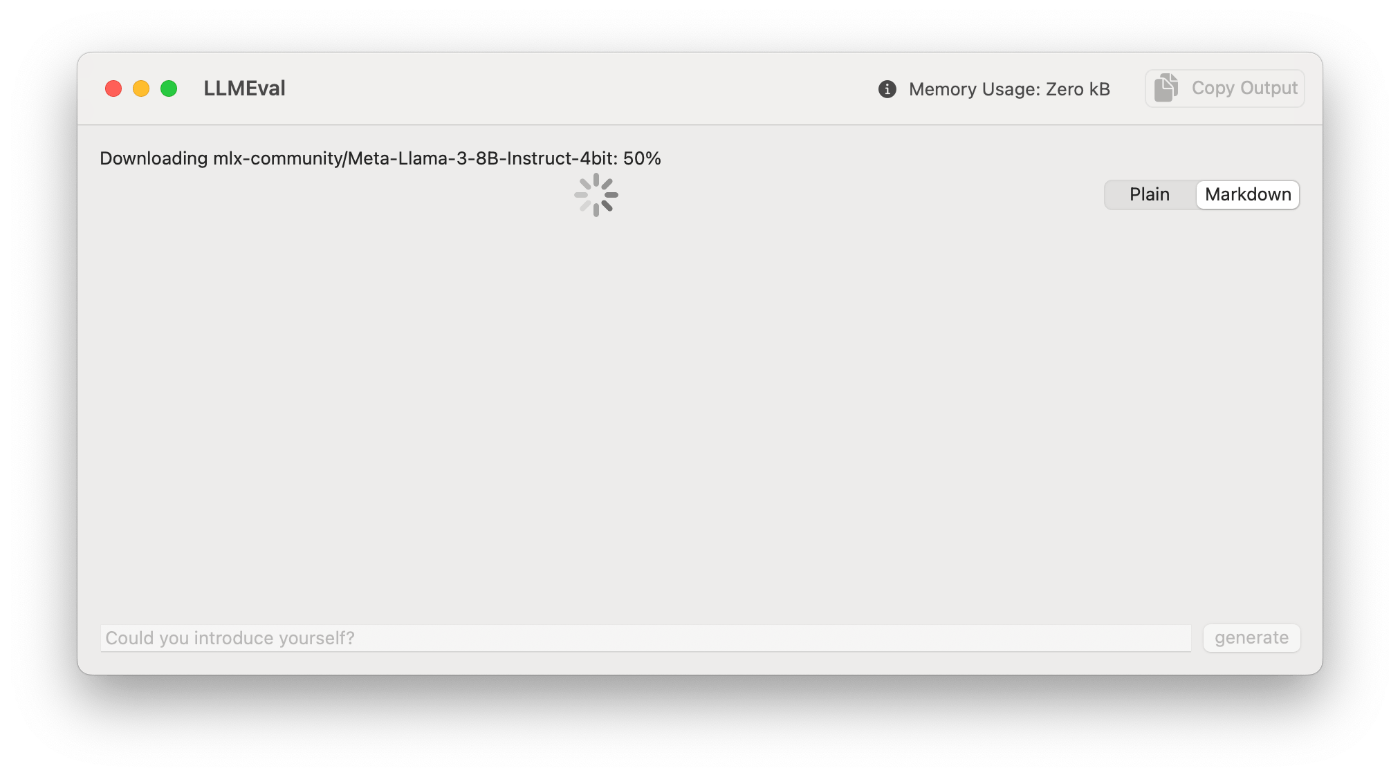

I was able to have a conversation on Mac.

*Note: On iPhone 15 Pro, the app crashed due to insufficient memory.
About ModelConfiguration
I will explain how ModelConfiguration works using gemma-2b-it as an example.
The initializer for ModelConfiguration is as follows:
First, id is the URL path on huggingface.co for the quantized model.
Models are published at https://huggingface.co/mlx-community. If the corresponding model is not found there, you will need to convert and upload it yourself.
tokenizerId is the URL for the tokenizer. You can download it by specifying it like meta-llama/Llama-2-7b-hf.
overrideTokenizer is a way to use the implementation class from swift-transformers instead of downloading the tokenizer. The implementation can be found here:
The prompt argument is where you place the template text corresponding to each model.
For Llama-3, public information was available here:
Based on this, the definition might look something like this:
    public static let openelm3BInstruct4bit = ModelConfiguration(
        id: "mlx-community/OpenELM-3B-instruct-4bit",
        overrideTokenizer: "LlamaTokenizer"
    )
    { prompt in
        "<|begin_of_text|><|start_header_id|>user<|end_header_id|>\(prompt)<|eot_id|><|start_header_id|>assistant"
    }
Supporting Models Not in the List?
To load a model not in the list with LLMEval, it seems necessary to define code for adjusting internal parameters and loading it, referring to the model's config.json.
I wanted to run OpenELM, but I was unable to do so because I lacked the knowledge of these correspondences.
The steps would likely follow a flow like this:
- Define
Libraries/LLM/OpenELM.swift - Add
ModelType - Set up the values received from
config.jsoninOpenELMConfiguration - If adaptation for
LoRAModeletc. is needed, adjust those as well.
Discussion