iTranslated by AI
How to Install JetBrains IDEs with a Commercial License on a Mac with a Different Username


Introduction
*** Note: This article is currently limited to macOS.**
Are you using JetBrains IDEs like IntelliJ IDEA, WebStorm, PhpStorm, or RubyMine?
In some cases, your company might have purchased a commercial license for you.
JetBrains officially permits the use of a commercial license purchased by a company at home.
Our License Agreement does not prohibit the use of a commercial license purchased by a company at home.
Can I use my company-purchased commercial license at home? – Sales and Licensing FAQ
According to another article, there is a note regarding this: for commercial licenses, the OS username (login name) must be the same on all systems.
The same is true for the commercial subscriptions with the additional requirement: your operating system username (login) must be the same on all the systems where you use the IDE.
There is no problem if your work PC and home PC have the same username. However, in many cases, people use different usernames for work and home.
In fact, if you try to use the IDE on both a company PC and a personal PC with different usernames, an intimidating dialog saying "License conflict detected" will appear, and you won't be able to use the IDE on one of them.
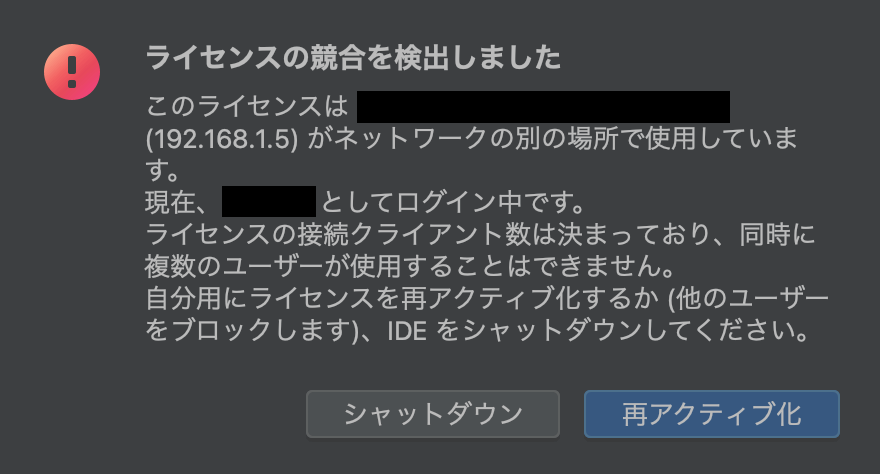
Since you usually cannot change the username on a company-issued PC, let's say you want to change the username on your personal Mac.
Apple's official guidance suggests the following:
Change the name of your macOS user account and home folder - Apple Support
However, the method above carries significant risks.
If you rename the home folder, it is inevitable that various applications will experience issues if there are configuration files containing the path to the home folder.
Conclusion
Stop trying to change the home folder; only change the macOS username.
This will allow the JetBrains IDE license to pass while minimizing the impact of the username change.
Follow only the "Next, rename the account" section of the page below and change only the account name (username).
- It is recommended to back up your data before proceeding, just to be safe.
Change the name of your macOS user account and home folder - Apple Support
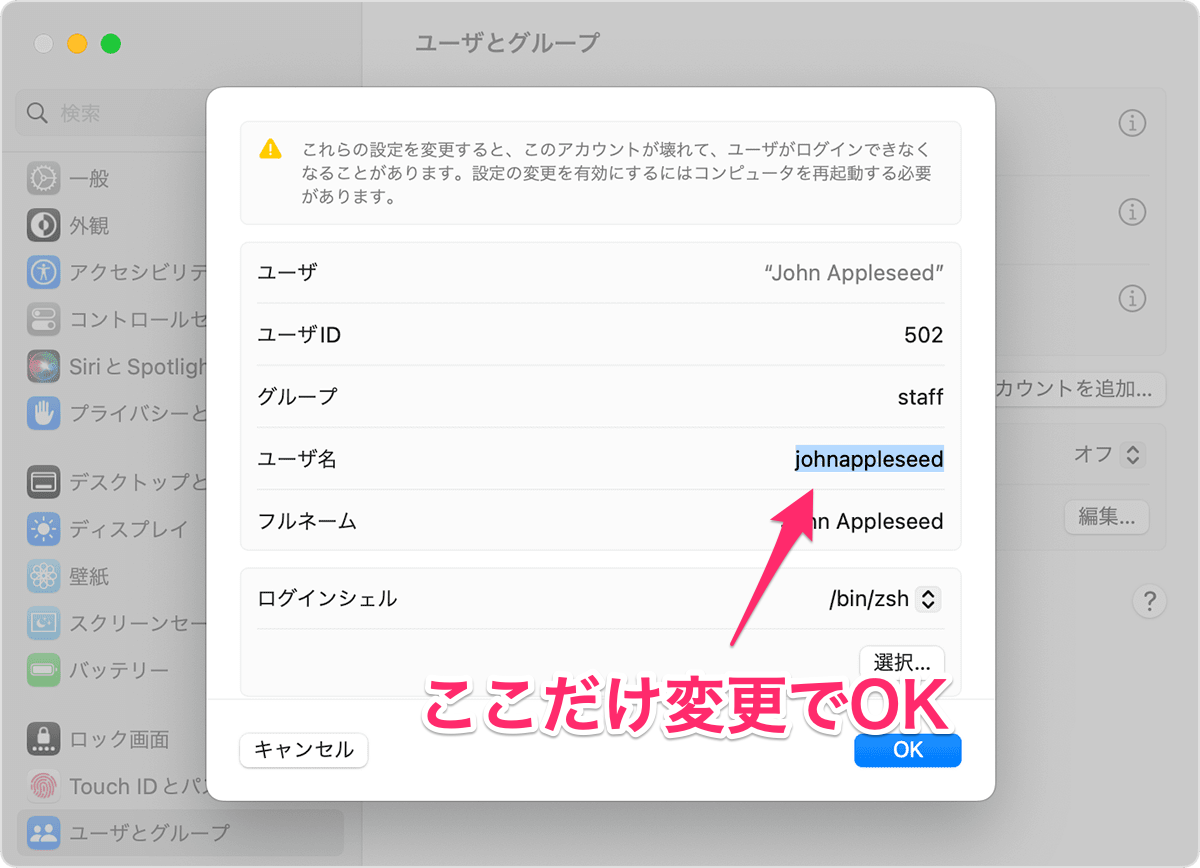
Once you do this, the JetBrains license will pass.
Since you've made the usernames identical as per JetBrains' announcement, there are no licensing issues at all.
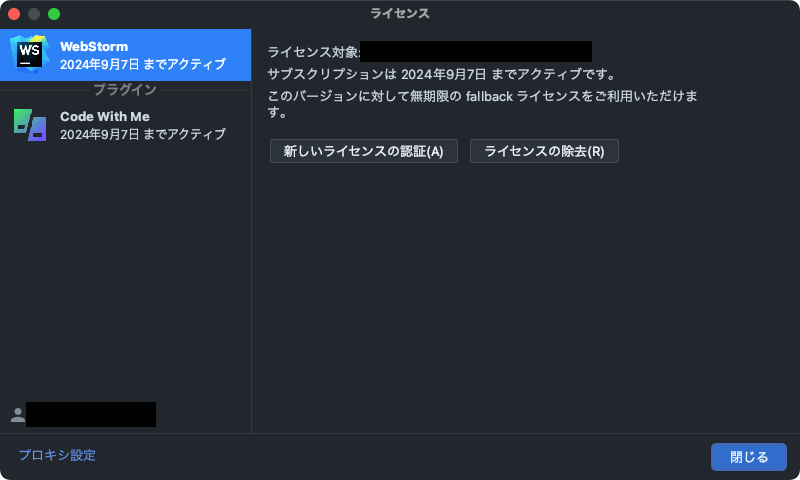
So far, I haven't encountered any issues on my Mac.
Thank you for reading!!!
Discussion