iTranslated by AI
The content below is an AI-generated translation. This is an experimental feature, and may contain errors. View original article
🛤️
[Rails / Docker] Setting up a Rails 7 environment with Docker


Overview
- A memorandum on creating a new Rails 7 project using Docker.
Environment
- MacBook Pro 2023
Steps
Creating directories and files
- Creating the directory
$ mkdir active-record-learning
$ cd active-record-learning/
- Creating some files
$ touch {compose.yaml,Dockerfile,Gemfile,Gemfile.lock,entrypoint.sh}
Editing created files
- Dockerfile
Dockerfile
FROM ruby:3.2.2
ARG RUBYGEMS_VERSION=3.3.20

WORKDIR /app

# Copy the host's Gemfile to the working directory in the container
COPY Gemfile Gemfile.lock /app/

# Execute bundle install
RUN bundle install

# Copy host files to the working directory in the container
COPY . /app/

# Copy entrypoint.sh to the working directory in the container
COPY entrypoint.sh /usr/bin/

# Grant execution permission to entrypoint.sh
RUN chmod +x /usr/bin/entrypoint.sh

# Configure the container to run entrypoint.sh on startup
ENTRYPOINT ["entrypoint.sh"]

# Specify the command to run on container startup
CMD ["rails", "server", "-b", "0.0.0.0"]
- compose.yaml
- For db, since port 3306 conflicts with other running processes, we will map host port 3307 to container port 3306 this time.
- To avoid port conflicts for web with other projects, we map host port 3005 to container port 3000.
compose.yaml
version: '3'
services:
  db:
    image: mysql:8.0
    environment:
      MYSQL_DATABASE: root
      MYSQL_ROOT_PASSWORD: password
    volumes:
      - mysql_volume:/var/lib/mysql
    ports:
      - '3307:3306'

  web:
    build:
      context: .
      dockerfile: Dockerfile
    command: bash -c "rm -f tmp/pids/server.pid && bundle exec rails s -p 3000 -b '0.0.0.0'"
    volumes:
      - .:/app
    ports:
      - 3005:3000
    stdin_open: true
    tty: true
    depends_on:
      - db
volumes:
  mysql_volume:
- Gemfile
source 'https://rubygems.org'
gem 'rails', '~> 7.0.4'
- entrypoint.sh
entrypoint.sh
#!/bin/bash
set -e

# Remove a potentially pre-existing server.pid for Rails.
rm -f /app/tmp/pids/server.pid

# Then exec the container's main process (what's set as CMD in the Dockerfile).
exec "$@"
Starting the Rails Project
docker compose run web rails new . --force --no-deps --database=mysql --skip-jbuilder --skip-action-mailbox --skip-action-mailer --skip-test
-
--force... Overwrite if files already exist -
--no-deps... (docker compose option) Do not start linked services (meaning the db will not be started) - https://railsdoc.com/page/rails_new
- https://docs.docker.jp/compose/reference/run.html
Modifying database.yml
database.yml
default: &default
  adapter: mysql2
  encoding: utf8mb4
  pool: <%= ENV.fetch("RAILS_MAX_THREADS") { 5 } %>
  username: root
  password: password
  host: db

# development and test remain as they are
- (I ran the
docker compose buildcommand after this, but it is likely unnecessary.) - If you run
docker compose upat this point, the Rails project will start, but it will result in an error because the database has not been created yet.
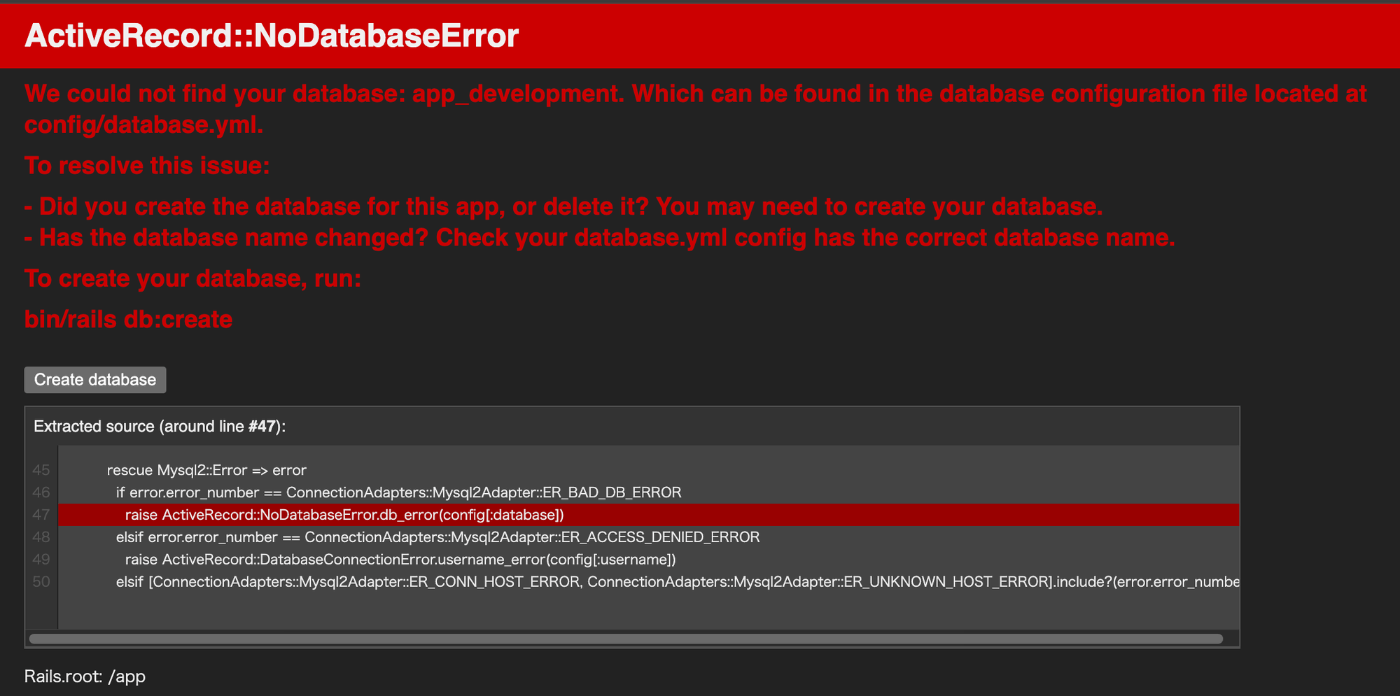
Creating the database
$ docker compose exec web rails db:create
Created database 'app_development'
Created database 'app_test'
- Access http://localhost:3005/!
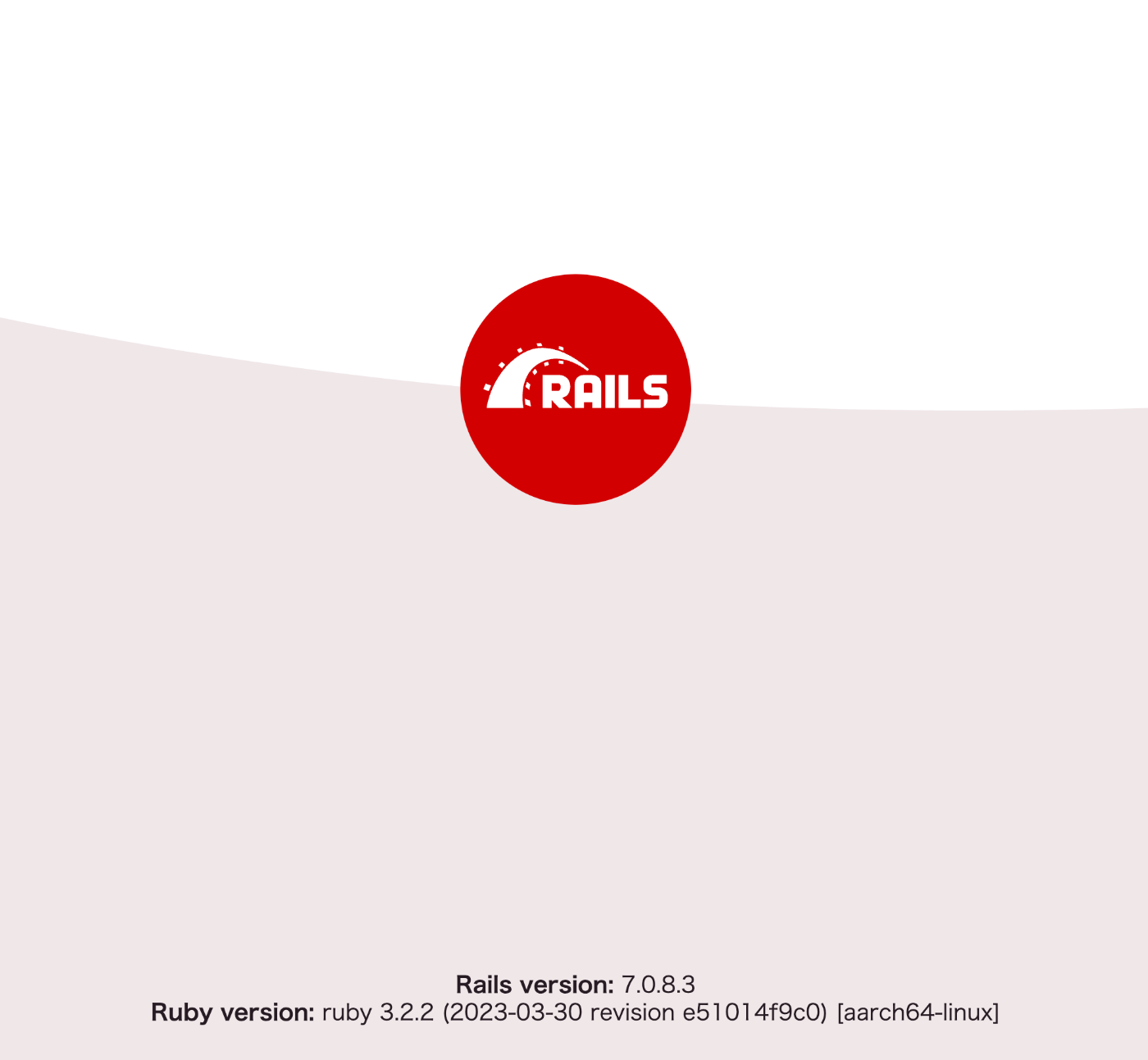
- The Docker containers are also running normally
$ docker ps
CONTAINER ID   IMAGE                                COMMAND                  CREATED         STATUS         PORTS                               NAMES
e532d977a261   active-record-learning-web           "entrypoint.sh bash …"   3 minutes ago   Up 3 minutes   0.0.0.0:3005->3000/tcp              active-record-learning-web-1
f12073fbc20f   mysql:8.0                            "docker-entrypoint.s…"   9 minutes ago   Up 8 minutes   33060/tcp, 0.0.0.0:3307->3306/tcp   active-record-learning-db-1
Additional miscellaneous points
- If you want to access MySQL directly via
rails db - If you want to output ERD diagrams for your models
Dockerfile
FROM ruby:3.2.2
ARG RUBYGEMS_VERSION=3.3.20

WORKDIR /app
RUN apt-get update && \
    apt-get install default-mysql-client graphviz -y

# Copy the host's Gemfile to the working directory in the container
COPY Gemfile Gemfile.lock /app/
...rest omitted...
- Add
gem 'rails-erd'to the Gemfile
References
Discussion