iTranslated by AI
BDD Testing with playwright-mcp and Cursor


Introduction
playwright-mcp has been released, enabling various browser operations to be performed through AI.
In this article, I've written about Behavior Driven Development (BDD) testing using playwright-mcp, as it seemed quite useful. By using playwright-mcp and the Cursor IDE, it is possible to perform BDD testing without writing a single line of test code.
What is BDD?
Behavior Driven Development (BDD) is a software development methodology that ensures quality by describing business requirements as test scenarios and automating them.
Traditional BDD testing required the following tasks:
- Writing scenarios in Gherkin syntax
- Implementing step definitions
- Creating test code
- Executing and maintaining tests
However, by using playwright-mcp, these tasks can be significantly simplified.
Hands-on
Now, let's actually perform BDD testing using playwright-mcp and Cursor.
Our goal is to reach a point where Cursor interprets the scenario and automatically launches the browser to perform the test, as shown in the image below.
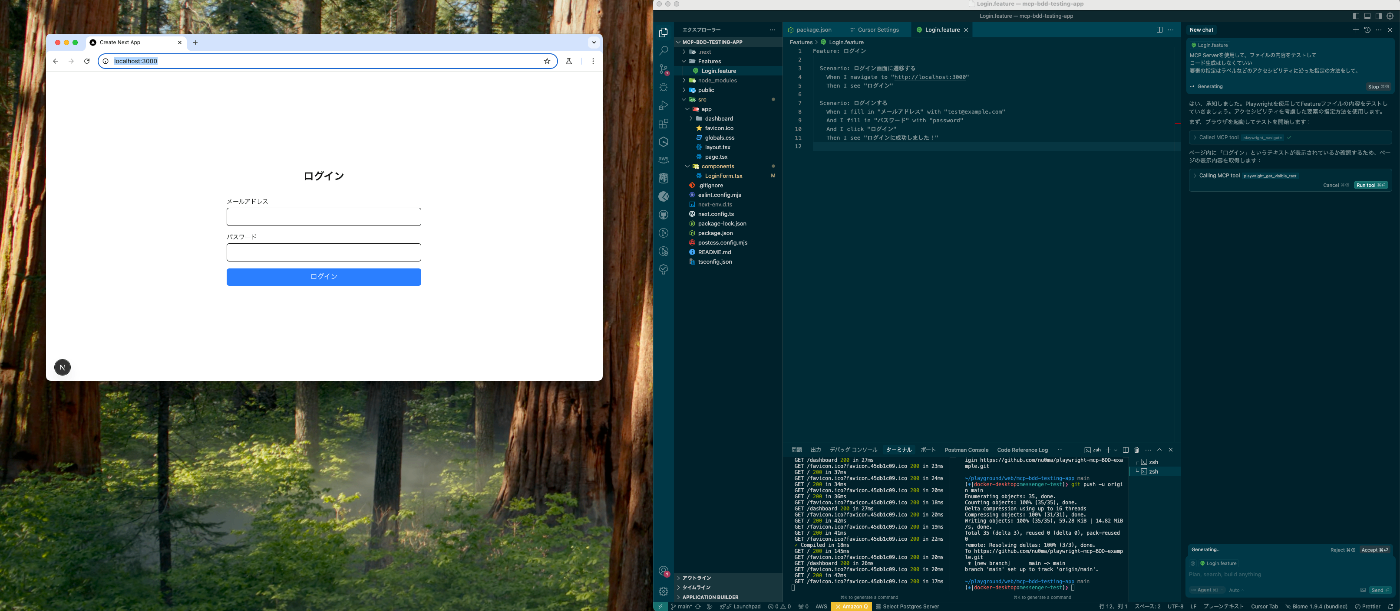
I will leave the setup of playwright-mcp in Cursor to other articles.
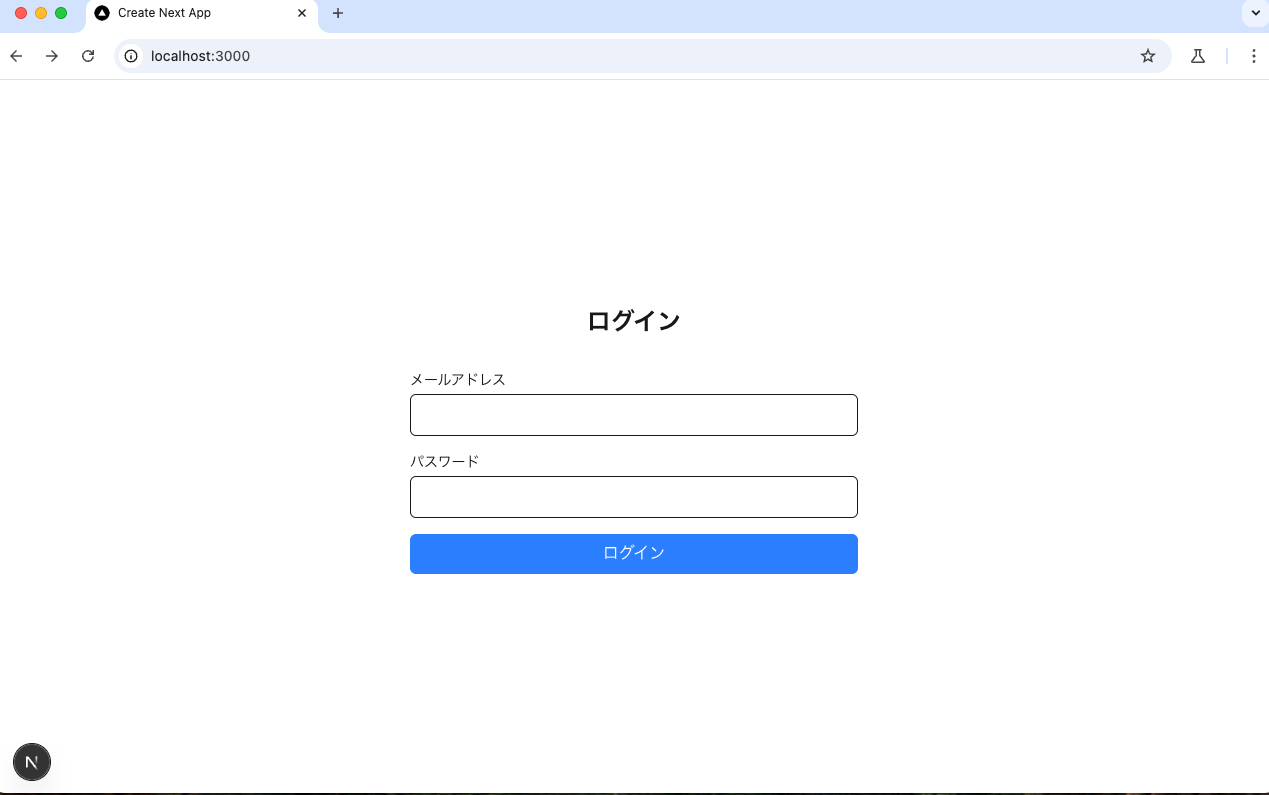
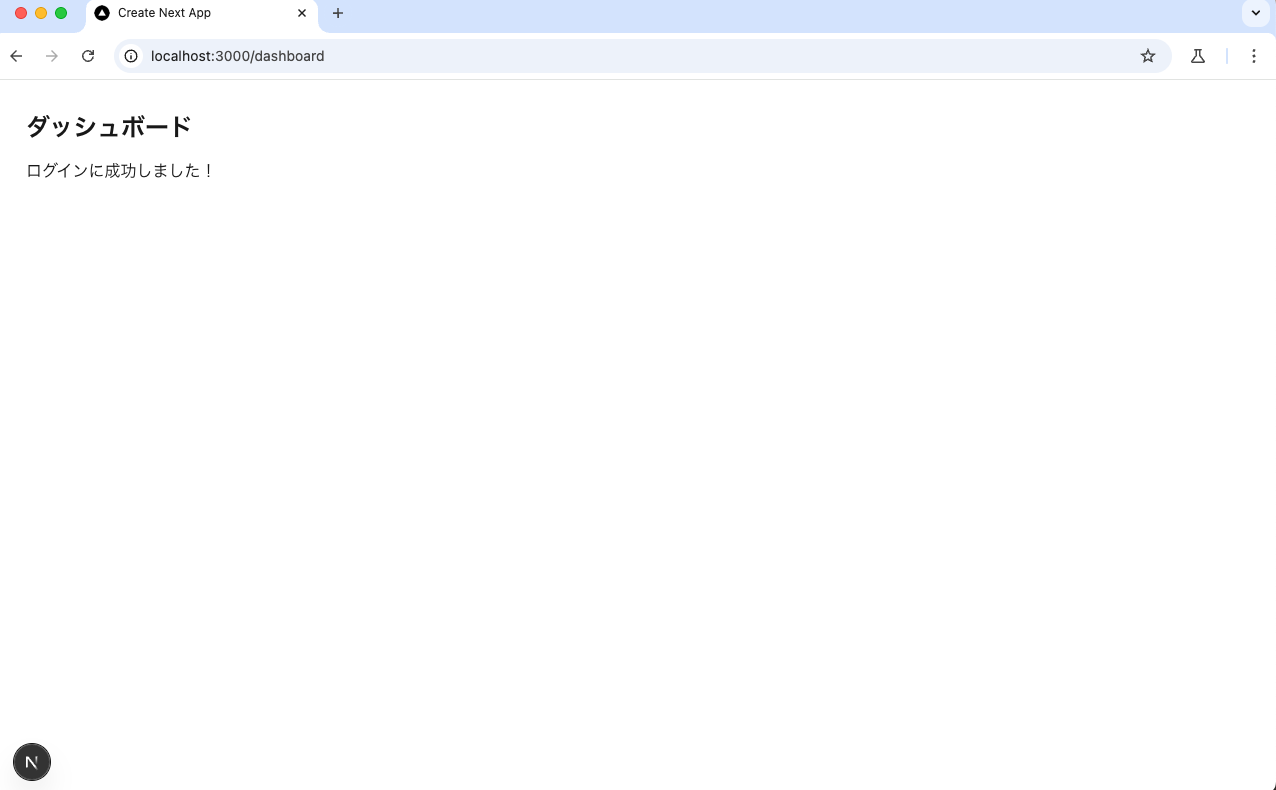
For this example, I have created a test application with a login screen and a post-login screen. It is a simple application with email and password forms that redirects to a dashboard after logging in.
Example Login Scenario
Next, let's write a scenario. Here is a BDD scenario for a simple login function:
Feature: Login

  Scenario: Navigate to the login screen
    When I navigate to "http://localhost:3000"
    Then I see "Login"

  Scenario: Logging in
    When I fill in "Email Address" with "test@example.com"
    And I fill in "Password" with "password"
    And I click "Login"
    Then I see "Login successful!"
Instructing the Test
Now, let's have the AI execute the test based on this file. Start Cursor and provide instructions using the file content. Depending on the model you use, it might try to locate elements using text, so it's a good idea to instruct it to be specific. Additionally, since the AI may attempt to generate test code, include an instruction to avoid code generation. You might also want to specify these in Cursor's Project Rules.

Once you do that, the browser will launch and perform operations according to the scenario.
With this, we have achieved everything from describing behavior in a scenario to actual browser operations. You can also add a scenario to close the browser.
There seems to be high extensibility for adding more behaviors.
Benefits of playwright-mcp
- No code required: The AI can perform appropriate browser operations simply by describing test scenarios in natural language.
- Improved maintainability: Since there is no need to write test code, the effort required for maintenance is significantly reduced.
- Intuitive operations: Combining it with Cursor IDE enables a more intuitive test creation process.
- High flexibility: Supports a wide range of browser operations and assertions.
Summary
I tried BDD testing using playwright-mcp and Cursor. While BDD testing typically involves describing behaviors and writing test code that follows those steps, this approach allowed me to finish the process just by describing the behaviors.
Discussion